Minor Adjustments Can Enhance Your Apple CarPlay Usage
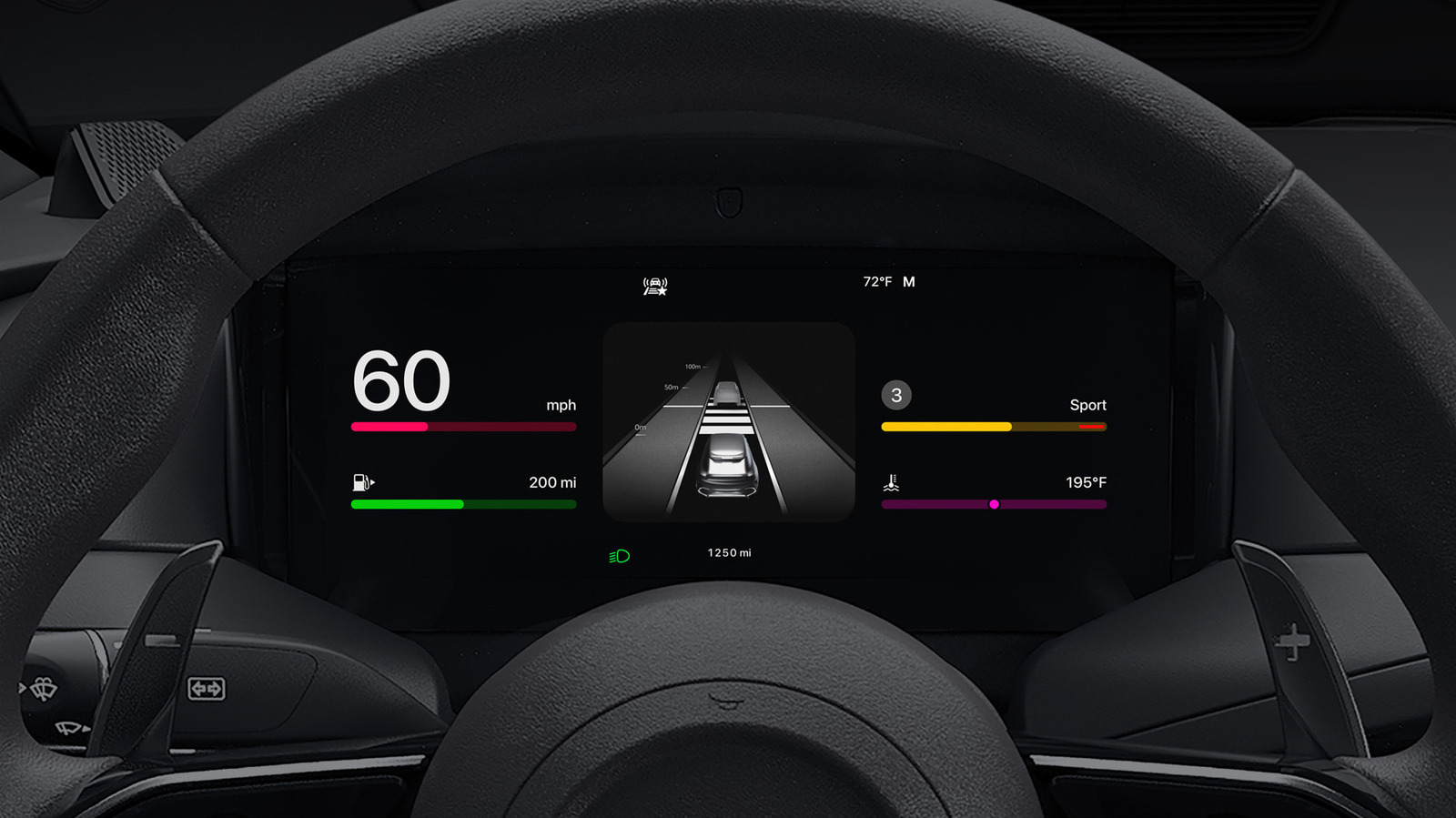
Most new cars now come equipped with Apple CarPlay, which duplicates the iPhone’s layout, yet a few simple modifications can turn the platform from merely practical to truly pleasant for those who log many hours driving.
The system displays well‑known iOS applications on the vehicle’s infotainment display, allowing drivers to reach maps, texts, audio and other features via touch, steering‑wheel buttons, or Siri voice prompts. Although the out‑of‑the‑box configuration suffices for many journeys, CarPlay hides a collection of settings that most users never investigate.
One of the most impactful tweaks is turning on the “Do Not Disturb While Driving” feature, which mutes incoming notifications and sends calls straight to voicemail, cutting down on visual noise. Drivers can also rearrange the home‑screen icons so that navigation or music apps sit at the top, fine‑tune the display brightness to suit surrounding light, and switch off background app refresh for unnecessary services to improve responsiveness. Activating Siri’s proactive suggestions further customizes the interface, surfacing commonly visited locations or favorite playlists before the driver requests them.
The benefits extend past mere convenience. Reducing pop‑up alerts and simplifying the layout keep the driver’s gaze on the road, and quicker app start‑ups lower the urge to tinker with the system while traveling. Limiting background activity also curtails battery consumption on the linked iPhone, prolonging its endurance on extended drives.
Analysts point out that Apple keeps polishing CarPlay with every iOS update, introducing extra customization options and broader third‑party app compatibility. motorists who habitually check the Settings pane after each software upgrade can take advantage of the newest improvements without needing extra hardware. As car manufacturers embed CarPlay more thoroughly into dashboards, mastering these straightforward tweaks helps keep the system a helpful tool instead of a source of distraction.


Comments (0)
Be the first to comment.
Join the discussion