Why Ethernet May Trail Wi‑Fi: Surprising Reasons Revealed
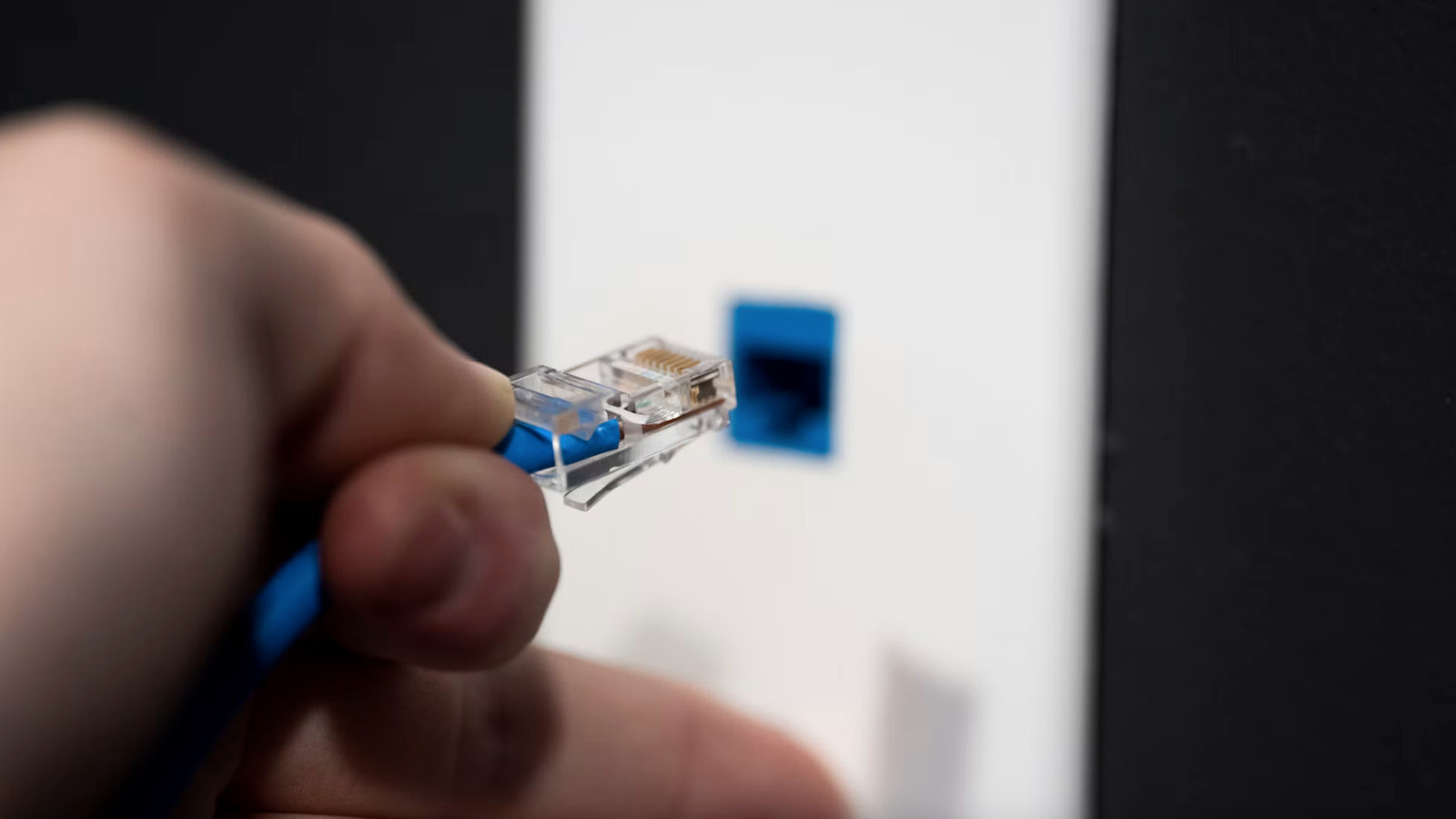
Despite common assumptions, plugging straight into Ethernet does not automatically deliver the quickest home network speeds. New research points to several hardware and software scenarios that can make a wired link lag behind a seemingly smoother Wi‑Fi connection.
The most common culprits are physical issues. Inferior or worn‑out cables—particularly those longer than the length advised for their category—cause signal loss and crosstalk. Badly crimped plugs, kinked wires, or cables mismatched to the network’s speed (e.g., a Cat5e on a gigabit‑only router) similarly reduce throughput. Occasionally, electromagnetic interference from adjacent power lines or appliances can also diminish the signal.
Software and configuration choices matter just as much. When the network interface card (NIC) and the switch or router are out of sync—like setting a device to half‑duplex while the counterpart expects full‑duplex—collisions and retransmissions throttle data rates. Failures in auto‑negotiation, obsolete drivers, or turned‑off offloading functions can likewise keep the NIC from achieving its rated speed.
Even the gear between the two ends can become a concealed choke point. Legacy switches might not support the latest Ethernet standards or could have ports throttled for power savings. Out‑of‑date firmware may harbor bugs that restrict bandwidth or misread traffic. Power‑over‑Ethernet (PoE) configurations sometimes curb data rates to stay within power limits, inadvertently capping speed.
Environmental factors introduce further complications. Grouping Ethernet cables alongside high‑current power lines can generate electromagnetic noise, and inadequate grounding may create voltage differentials that disrupt signal integrity. The very design of a house—like routing cables through walls with metal studs—can also impact connection quality.
Grasping these variables enables efficient troubleshooting. Replacing the line with a certified Cat6 or better cable, confirming that both ends are set to auto‑negotiate, and refreshing NIC drivers and router firmware constitute sensible initial actions. Should performance stay erratic, trying a known‑good cable and an alternate switch can pinpoint the issue. As wired networking advances, keeping up with hardware standards and optimal configurations guarantees that Ethernet fulfills its promise of speed and reliability.


Comments (0)
Be the first to comment.
Join the discussion