What the “A” in USB‑A Actually Stands For
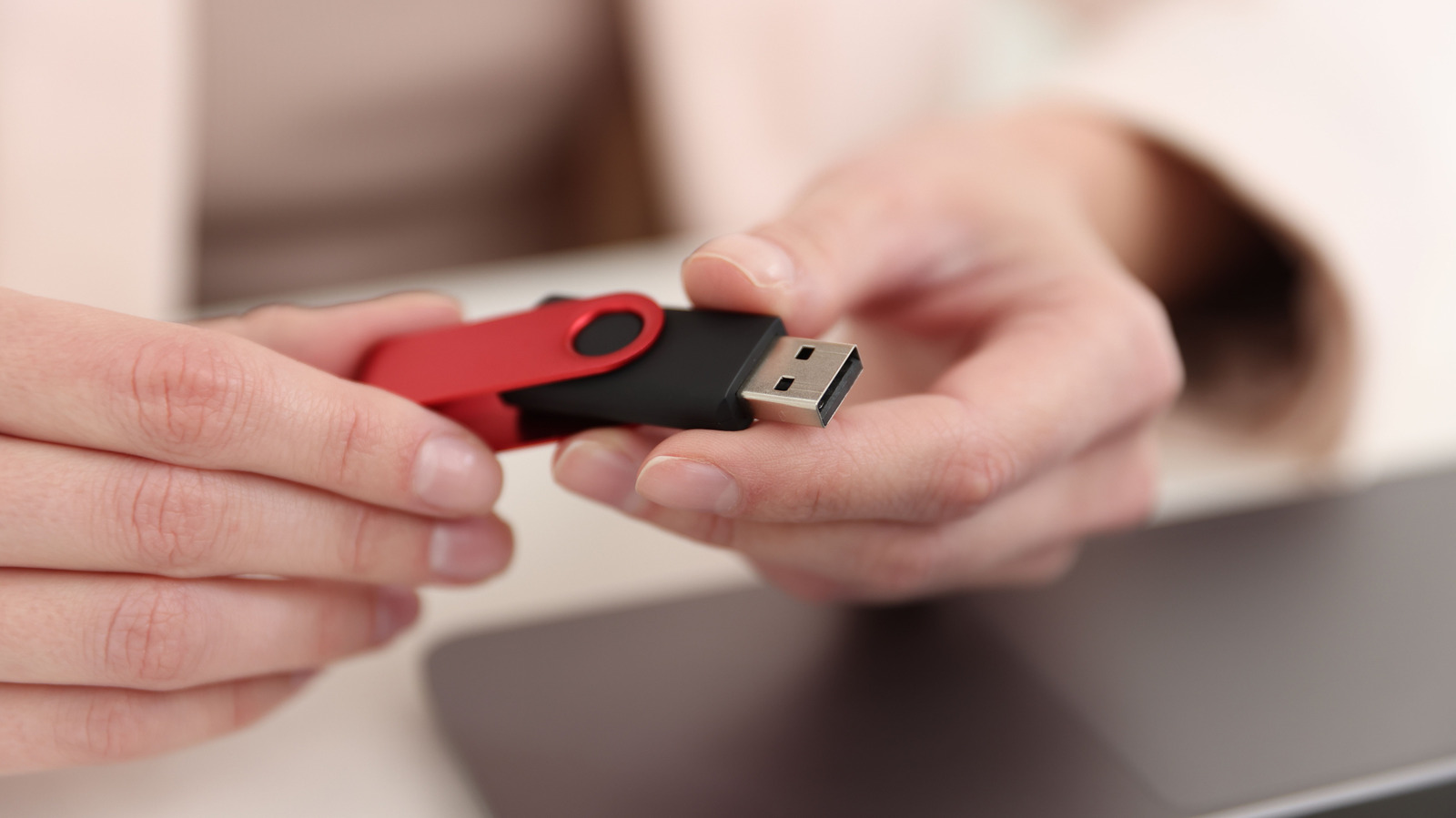
The “A” printed on the rectangular USB plug isn’t a marker of any advanced function or a newer standard version; it merely designates the connector’s shape.
The naming scheme for USB stems from the original Universal Serial Bus specification released in the mid‑1990s. That spec created multiple connector families—A, B and, subsequently, C—each possessing its own physical outline. Consequently, the label serves as a mechanical tag rather than a cue about performance.
Typically, a USB‑A socket appears on host equipment like desktop PCs, laptops, gaming consoles, power adapters and a wide range of consumer gadgets. The interface transmits both data and electricity, and it has been paired with numerous protocol generations—from the original USB 1.1 to USB 3.2—depending on the internal controller of the device.
Its capacity to accommodate several protocol generations explains why the rectangular form has endured for over twenty years. Yet the design carries intrinsic drawbacks: the connector can only be inserted one orientation, and its dimensions limit the pin count needed for faster signaling. The USB‑C connector, launched in 2014, overcomes these issues with a reversible, thinner profile and a higher number of pins.
Analysts point out that adoption of USB‑C is speeding up since the newer port supports the top‑speed data rates set by the USB4 standard and can supply as much as 100 watts of power. Consequently, numerous manufacturers are dropping USB‑A from flagship devices while keeping it on low‑cost or legacy‑focused models.
For users, this shift translates into an expanding market for adapters and cables that link USB‑A and USB‑C gear. Current peripherals will keep functioning as long as the host offers a matching port, yet future buys are more prone to include the newer connector. In the short run, USB‑A probably won’t vanish completely, but its function is slowly turning into that of a legacy interface.

Comments (0)
Be the first to comment.
Join the discussion