iPad Can Function as a Portable Secondary Display for macOS and Windows
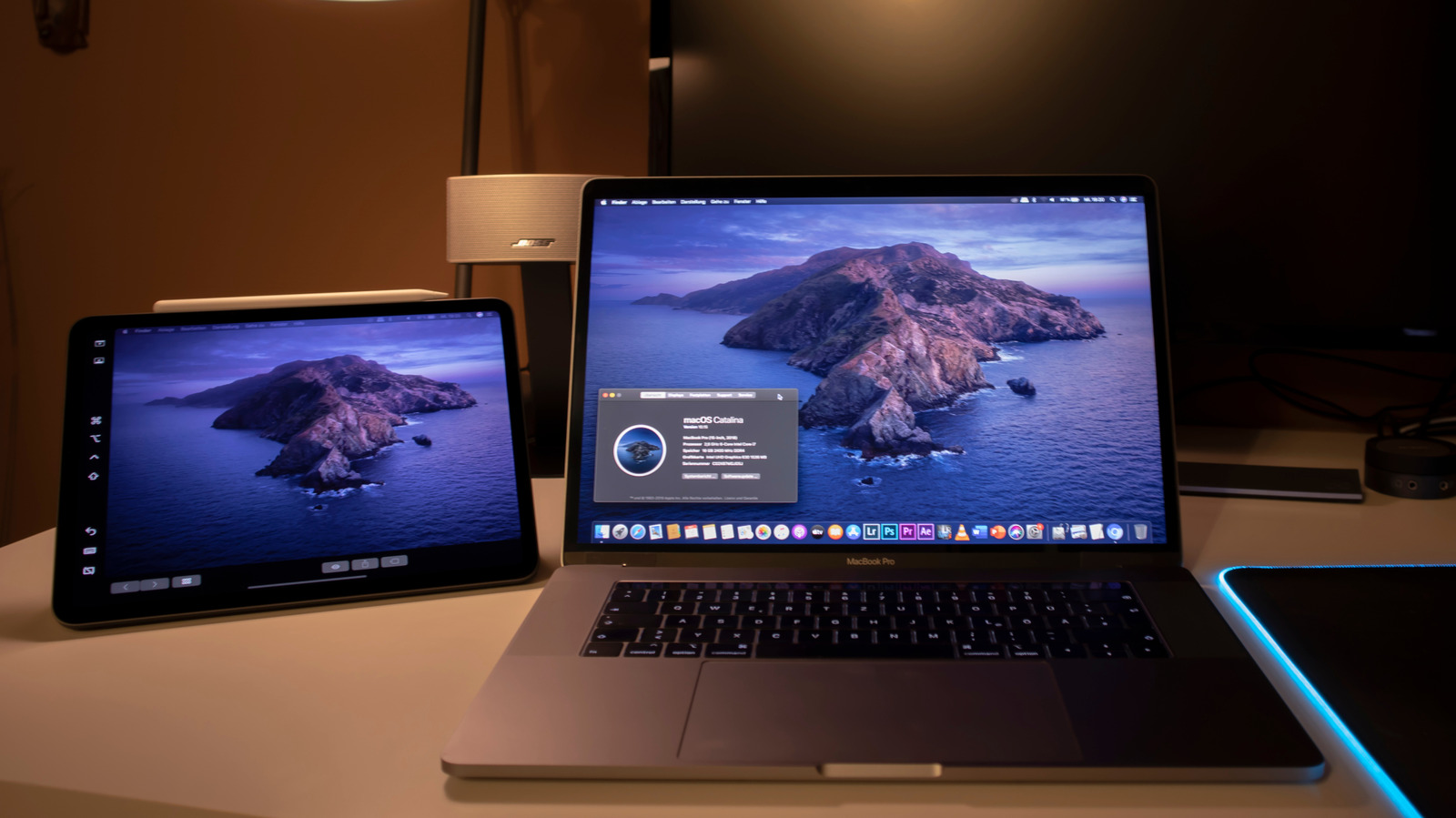
Beyond its usual media‑consumption duties, Apple’s tablet is now being used as an auxiliary screen for Mac computers and Windows PCs, giving users extra desktop space without requiring a separate monitor.
This functionality relies on native tools such as macOS’s Sidecar, which lets a compatible iPad function as a wired or wireless extension of a Mac’s desktop. In Windows setups, third‑party apps like Duet Display and EasyCanvas make it possible to mirror or extend the display via a USB‑C cable or Wi‑Fi.
Analysts point out that the iPad’s crisp Retina screen, touch capability, and lightweight design drive its attractiveness. Frequent travelers can swap out a cumbersome external monitor for a device that already fits in their bag, and students can keep reference material on one screen while working on another.
Configuration is simple for Mac owners: once both machines are logged into the same Apple ID and satisfy the system specs, Sidecar can be turned on from the Displays section of System Settings. Windows users need to install their selected app, follow the on‑screen pairing steps, and possibly tweak display settings to achieve optimal resolution and scaling.
Security and performance issues have also been discussed. Wired links generally provide lower latency and higher frame rates—essential for graphic design or video editing—whereas wireless arrangements, though more convenient, may experience occasional lag depending on network quality, leading some experts to advise using a dedicated USB‑C cable for critical tasks.
Looking forward, observers anticipate tighter integration as Apple broadens its ecosystem and third‑party developers polish cross‑platform display utilities. The rising practice of employing tablets as secondary monitors mirrors a wider move toward flexible, modular workspaces and may shape future hardware that emphasizes multi‑device collaboration.



Comments (0)
Be the first to comment.
Join the discussion