How to Choose Sleep, Shutdown or Hibernation for Your Mini PC
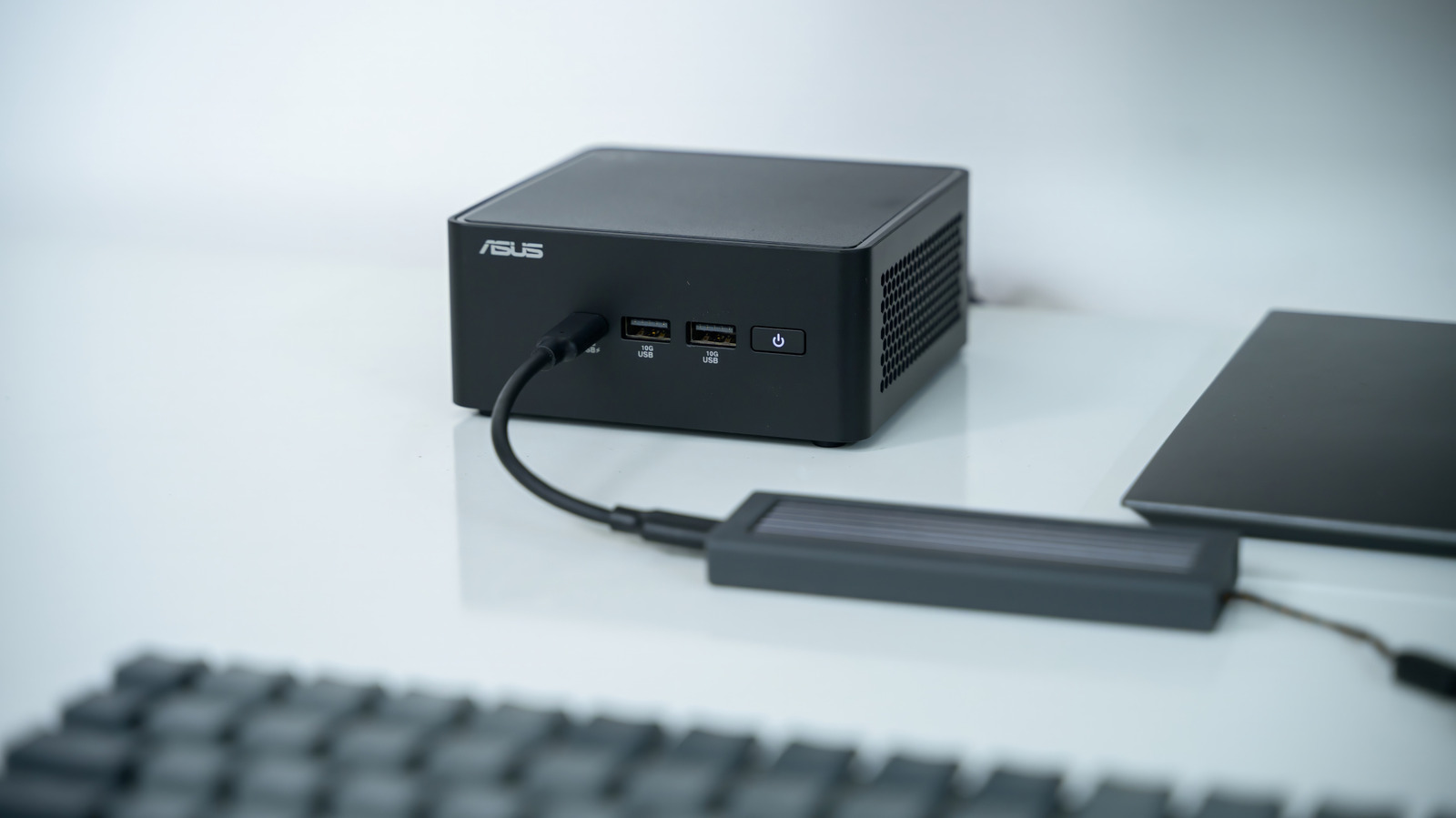
Mini PCs have become a go‑to solution for cramped workstations and compact home‑entertainment setups, yet their tiny form factor often leaves owners unsure which power‑down method is most efficient. Deciding among sleep, shutdown or the lesser‑known hibernation mode can influence everything from battery endurance to how quickly the system responds.
In sleep mode the computer enters a low‑power condition: the processor largely stops working while the RAM stays powered. This lets the machine wake up in a matter of seconds, making it perfect for short pauses or when you need to step away briefly without closing applications.
Shutdown, on the other hand, cuts power to every component and wipes the volatile memory. The next time you turn the PC on it runs a complete boot sequence, which takes longer but ensures no lingering processes remain. This approach is best for long periods of inactivity, for installing updates that require a reboot, or when the device is being relocated.
Hibernation sits between the two extremes. Activating it causes the PC to write the contents of RAM to the storage drive and then power off entirely. When you start the machine again, the saved memory image is reloaded, restoring your previous session. Although waking from hibernation is slower than from sleep, it draws no power while off, offering a handy way to keep a session without the ongoing energy draw.
Practical advice recommends using sleep for gaps of a few minutes up to an hour, especially when the unit stays plugged in. For overnight use or travel, hibernation provides a safe method to retain work without draining the battery, while a full shutdown is advisable if the PC will sit idle for several days or when firmware updates are pending.
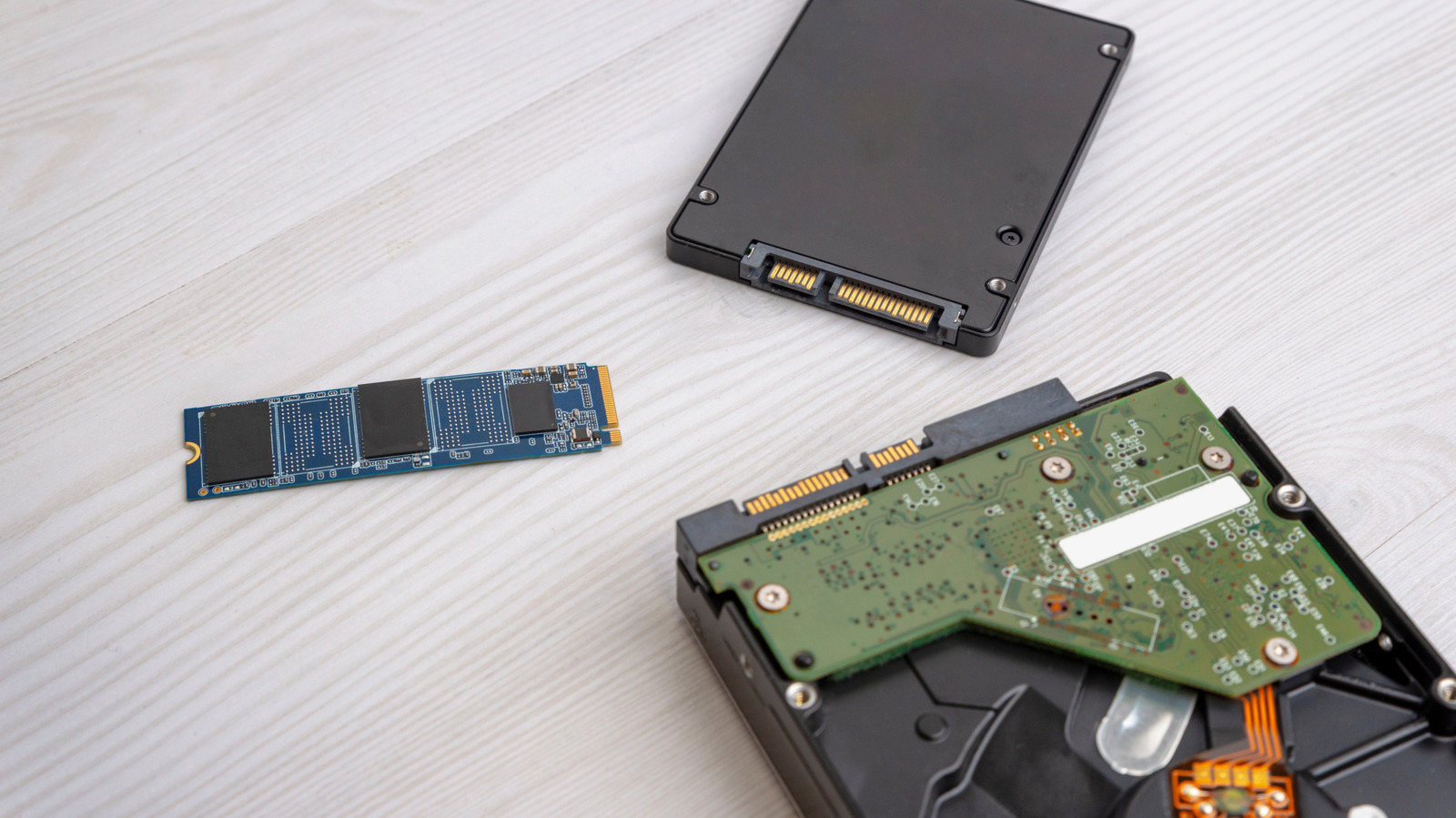
Hardware details also matter. Systems with solid‑state drives retrieve hibernation images far faster than those with traditional hard disks, lessening the perceived delay. Moreover, many mini PCs have limited cooling, so leaving them in sleep for extended stretches can cause heat buildup if ventilation is inadequate.
Manufacturers and OS developers usually suggest tailoring power‑management settings to your habits. Windows, for instance, includes a “hybrid sleep” feature that merges sleep’s rapid wake‑up with hibernation’s power‑off safety, and numerous Linux distributions let users adjust the timeout for each state.
Looking forward, new firmware standards and AI‑driven power‑saving algorithms aim to automate these choices, dynamically picking the optimal state based on workload, battery level and ambient temperature.
Until those technologies become mainstream, knowing the trade‑offs among sleep, shutdown and hibernation enables mini‑PC owners to strike a balance between convenience, performance and energy efficiency, keeping their compact machines ready when needed and conserving power when not.


Comments (0)
Be the first to comment.
Join the discussion