Activate Apple CarPlay in Just Minutes
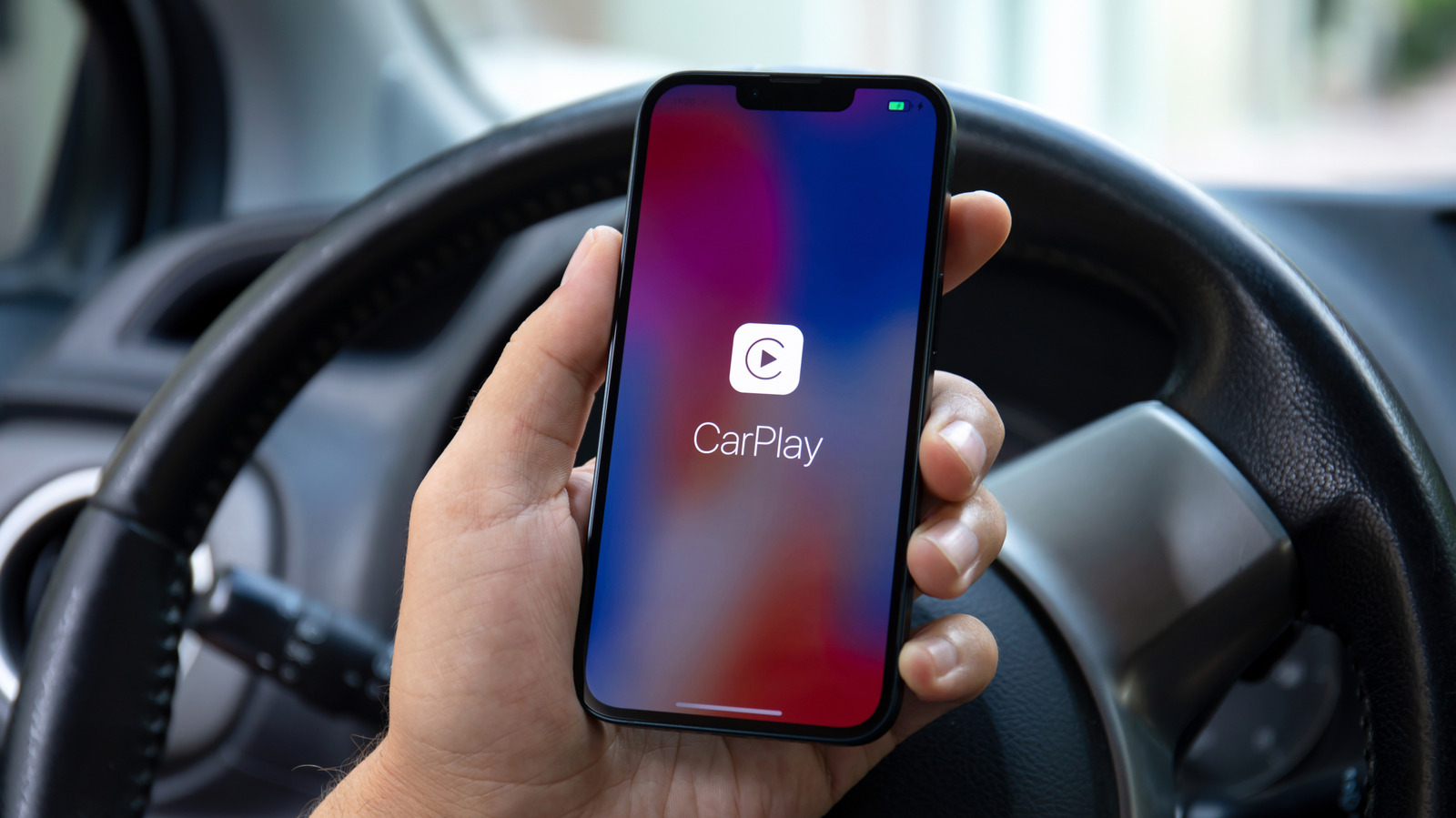
According to a clear guide from Engadget, Apple’s CarPlay can be connected to a suitable car within a matter of minutes, a discovery many newcomers make.
By mirroring the iPhone’s UI onto the vehicle’s infotainment display, CarPlay lets motorists use navigation, messaging, music and voice‑activated apps without taking their eyes off the road. It is compatible with any iPhone equipped with iOS 13 or newer and with automobiles that offer either a wired USB or a wireless connection, a pairing that now encompasses an expanding portion of the market.
First, drivers need to check that CarPlay appears as a selectable item in the car’s infotainment settings and that their iPhone is updated to the newest iOS release. Plugging the phone in with an official Lightning‑to‑USB cable typically brings up a prompt on the screen to activate CarPlay; tapping "Allow" finalizes the link. On vehicles that support only wireless connectivity, the user should initially pair the iPhone via Bluetooth and then approve the CarPlay link when it shows up in the phone’s Wi‑Fi networks.
A few setup actions can make the process more reliable. Activating Siri and enabling “Hey Siri” permits hands‑free voice commands. Employing Apple’s own Lightning cable minimizes occasional disconnections, and turning off “Do Not Disturb While Driving” ensures notifications continue to reach CarPlay. Users can also customize the CarPlay arrangement via Settings → General → CarPlay on the iPhone to place their favorite apps front‑and‑center.
Occasionally, drivers may encounter issues like a blank display, lagging audio, or the phone not being detected. Often, simply restarting the iPhone, disconnecting and reconnecting the cable, or installing the latest vehicle firmware fixes the problem. Should the trouble continue, resetting CarPlay in the iPhone’s settings and pairing again usually removes any corrupted data.
With more manufacturers making CarPlay a default offering, the installation steps are likely to grow even smoother, as upcoming models may auto‑detect and connect without any user action. In the meantime, adhering to the straightforward checklist above enables drivers to experience a safer, more unified ride the moment they plug in.


Comments (0)
Be the first to comment.
Join the discussion