Wired vs Wireless Home Internet: Key Factors to Consider
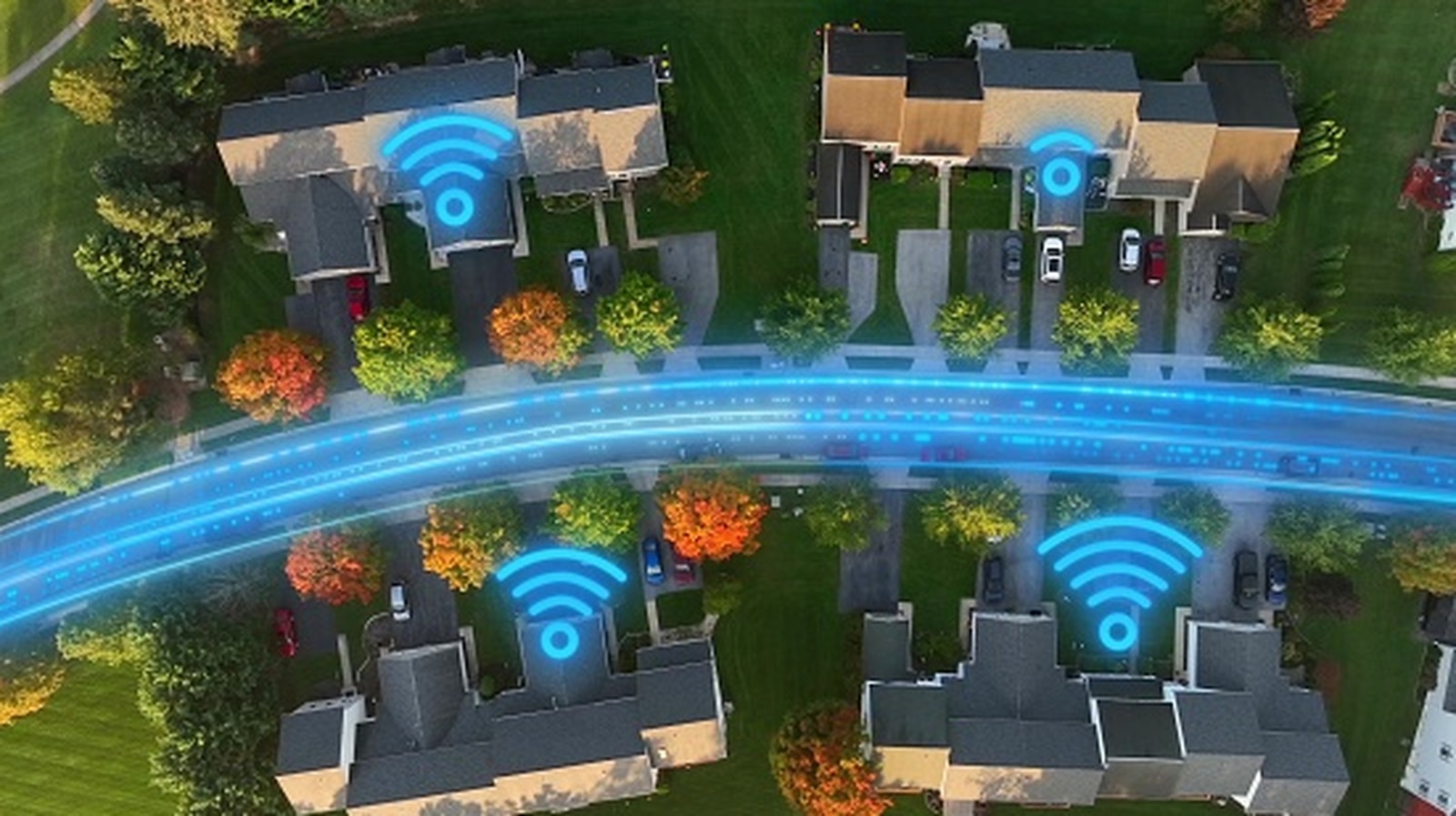
When setting up a home network, users must decide whether to use a wired link—like Ethernet—or to go wireless with Wi‑Fi. Most ISPs support both methods, each bringing its own set of benefits that match various household requirements.
A wired link carries data through physical media such as coaxial cable, fiber optic lines, or Ethernet cables straight to the device. This method yields a steady, low‑latency connection that is less prone to disruption from walls, appliances, or nearby networks. For tasks that need reliable speed—online gaming, video calls, or high‑definition streaming—experts often advise a wired arrangement to cut down on packet loss and lag.
Wireless networking, by contrast, provides the ease of mobility and eliminates the mess of cables. Current Wi‑Fi standards, including Wi‑Fi 6 and the newer Wi‑Fi 6E, can reach multi‑gigabit speeds sufficient for most daily activities, from web browsing to 4K video playback. Yet signal quality may drop with distance, obstacles, or competing devices, potentially impacting performance in larger homes or crowded neighborhoods.
The decision usually depends on a home’s floor plan and the devices being used. A household with a centrally placed router and a handful of fixed workstations might benefit most from a straightforward Ethernet run. In contrast, families packed with smartphones, tablets, and smart‑home gear may favor the flexibility of Wi‑Fi, possibly adding mesh nodes or powerline adapters to cover weak spots.
Looking forward, the performance gap between wired and wireless is shrinking as makers introduce faster routers and more efficient antennas. At the same time, installing Ethernet cabling still carries a price tag, especially in older properties. Homeowners should weigh their primary online tasks, examine the physical limits of their space, and consider a mixed setup that exploits the advantages of both technologies. By matching network design to real‑world usage, they can secure a blend of speed, reliability and convenience without locking into a single solution.



Comments (0)
Be the first to comment.
Join the discussion