Windows Memory Diagnostic Uncovers Hidden RAM Issues Behind System Lag
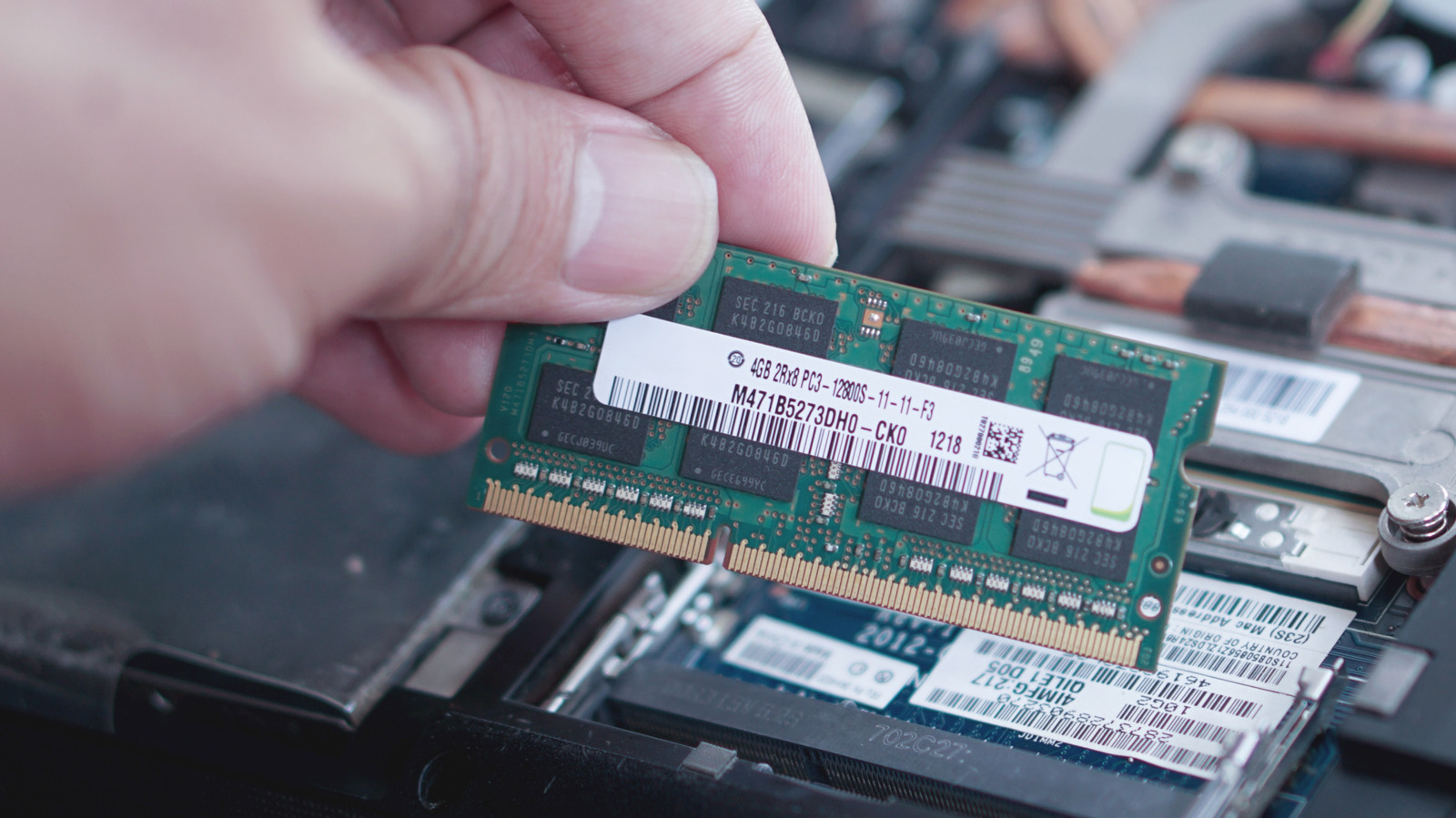
The Windows Memory Diagnostic (WMD) tool, included with Microsoft’s operating system, is drawing notice as a simple method for users to identify defective RAM that could be responsible for slow performance, sudden crashes, or unplanned reboots.
Upon execution, the program conducts a set of read‑ and write‑heavy examinations on the machine’s physical memory sticks, searching for faults that the OS may miss. It can be invoked via the Start menu or by entering “mdsched.exe” in the Run box, after which the user can elect to reboot at once or defer the test to the next startup.
When the computer restarts, Windows boots into a minimal diagnostic environment that separates the memory checks from the regular OS, enabling the utility to scan every memory address unhindered. The examinations usually last a few minutes, with optional extended stress patterns for more thorough scrutiny. After the tests finish, the system boots back into Windows and presents a concise report showing if any errors were found.
Detecting errors in the diagnostic output strongly suggests that one or more RAM modules are faulty or that the memory controller is malfunctioning. In those situations, specialists recommend reseating the sticks, testing each module separately, or swapping out the defective component. On the other hand, a clear report points to the problem lying elsewhere—perhaps a software clash, driver malfunction, or an issue with the storage subsystem.
Because of its straightforward nature, the tool serves as an effective first‑step for everyday users and IT staff diagnosing occasional system instability. Although it cannot substitute for more comprehensive third‑party memory testers that execute custom patterns over long durations, it offers a fast, free evaluation that can eliminate memory as the cause before pursuing more in‑depth analysis.
Microsoft still ships the diagnostic with every supported Windows release, underscoring the OS’s focus on built‑in maintenance tools. With hardware prices climbing and PCs growing more intricate, an easy way to check RAM health enables users to sustain reliability without instantly turning to specialized gear.
If users continue to see problems after verifying that memory is sound, they may be steered toward further checks—like monitoring for overheating, inspecting event logs, or employing system file integrity utilities. Consequently, the Windows Memory Diagnostic acts as an entry point in a larger troubleshooting process, guaranteeing that a typical hardware defect isn’t missed.



Comments (0)
Be the first to comment.
Join the discussion