Why Watching Hidden Tasks Is Crucial: The Importance of Tracking Background Processes on Your PC
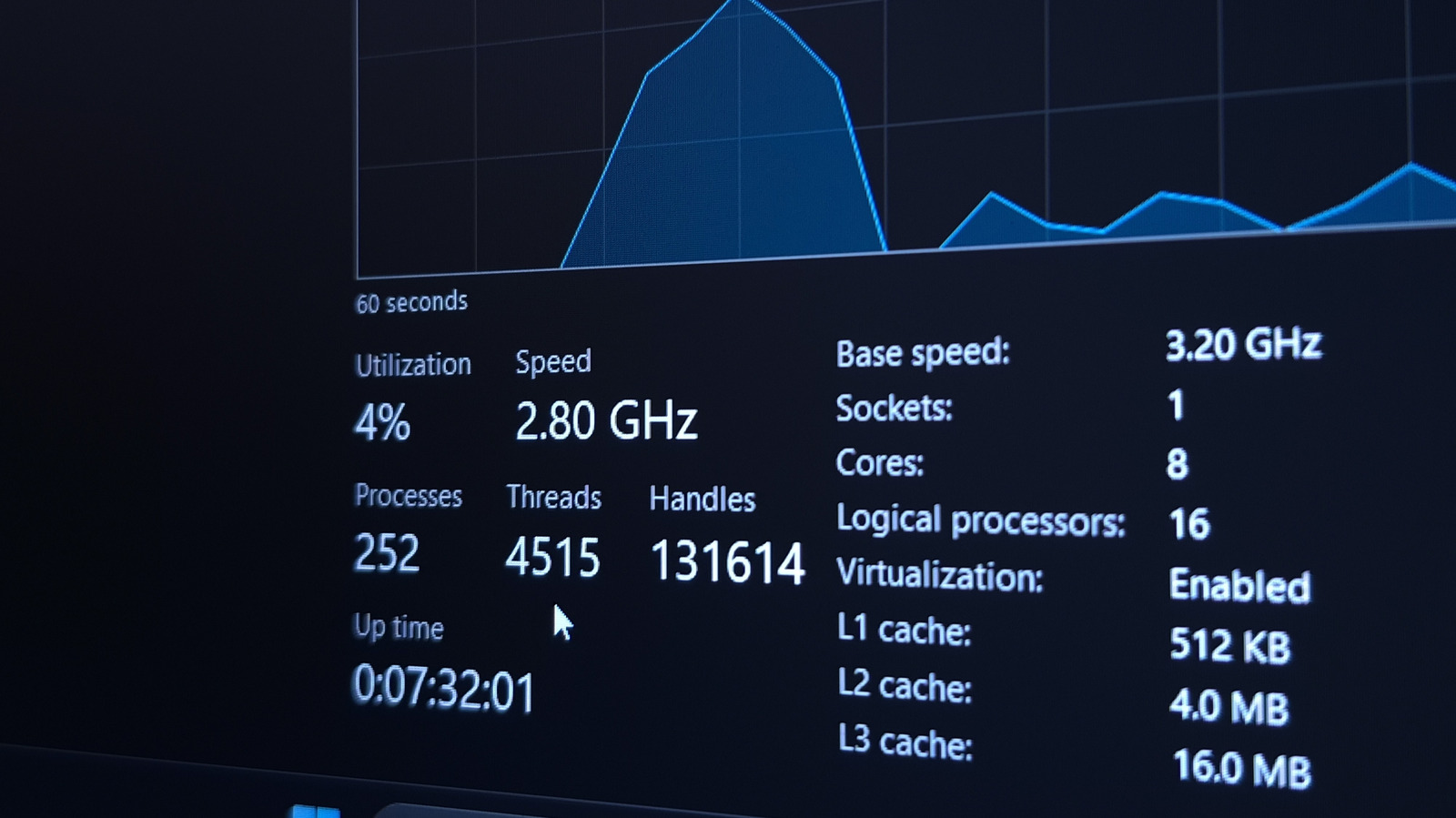
Today's computers juggle countless operations behind the scenes, from system patches to background services that keep hardware and software in sync. Although many of these tasks are vital for smooth functioning, they can also drain resources, degrade performance, and occasionally hint at security issues. Knowing what your PC does while you’re not actively using it is therefore essential for both efficiency and protection.
Windows, macOS and Linux each ship with native tools—Task Manager, Activity Monitor and System Monitor—that enumerate running processes, display their CPU and memory consumption, and reveal their source. By habitually scanning these lists, users can detect sudden spikes, unfamiliar programs, or services that linger despite inactivity. Such irregularities often point to poorly behaved software, needless startup entries, or potentially unwanted applications.
Beyond speed, background processes can raise privacy concerns. Some apps may send data to remote servers, sync files, or gather usage metrics without explicit permission. When a process repeatedly contacts the network or shows a surge in data transfer, it may signal telemetry that users wish to curb, or, in the worst case, malware siphoning information. Utilities that pair network activity with process details enable users to decide what to permit or block.
Security professionals advise periodic reviews of active processes, especially after adding new software or applying system updates. Unknown entries should be investigated—examining the executable’s digital signature, file location and online reputation databases can quickly separate legitimate system components from rogue code. If a dubious process remains unidentifiable, isolating the computer, running trusted anti‑malware scans, and, if needed, consulting an expert can stop escalation.
Proactive oversight also contributes to longer hardware life. Excessive CPU or disk usage from runaway background tasks can generate heat, accelerate wear and reduce laptop battery longevity. Tweaking settings to turn off nonessential services, configuring apps to limit background activity, and keeping drivers current are practical measures that stem from an informed view of what’s operating under the hood.
In short, routinely inspecting a computer’s background processes empowers users to fine‑tune performance, protect personal data, and spot threats early. While most operating systems include built‑in tools, third‑party applications offering richer visualizations and alerts are available for those seeking deeper insight. Making this simple check a regular part of computer upkeep helps keep machines running efficiently and securely.



Comments (0)
Be the first to comment.
Join the discussion