What Triggers Your AirPods’ Beep and How to Turn It Off
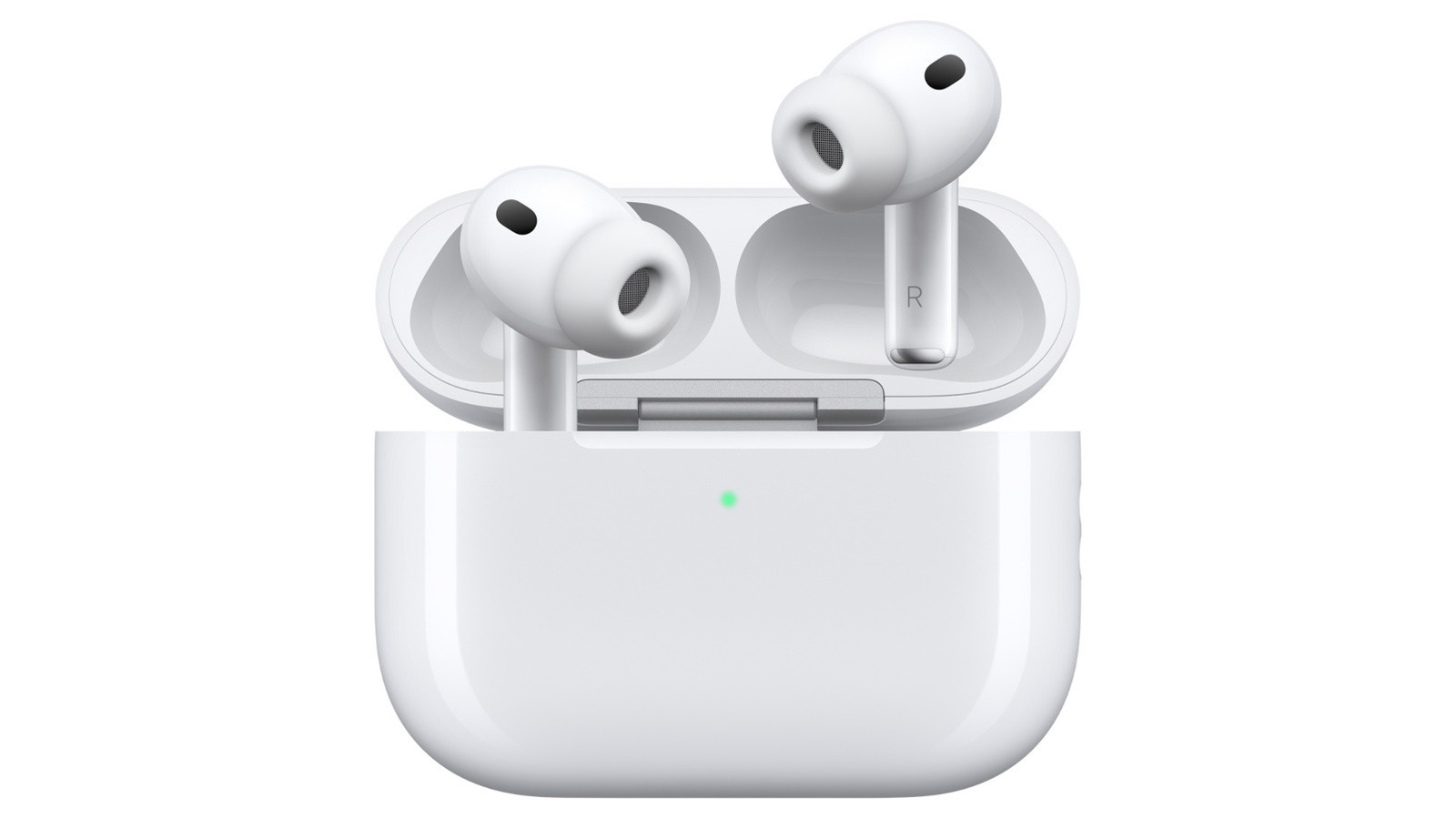
Apple’s Bluetooth earbuds are now a common companion for daily commuters and people hitting the gym, yet an occasional high‑frequency chirp can surprise users. Although many think the tone indicates a low‑battery alert, the short sound may actually originate from several distinct system notifications integrated into the AirPods and iOS.
In addition to the well‑known low‑battery tone, AirPods produce a beep when they’re returned to their charging case, when the case finishes charging, or when the earbuds sense they’ve been misplaced and the Find My network is trying to pinpoint them. The same audio cue also signals that a firmware update is queued, informing users that the devices will reboot to apply the new software.
Apple added most of these sound cues to boost convenience, particularly for people not glancing at their phone. For example, the Find My function can emit a brief tone from the earbuds to aid in locating them when they’re lost. Likewise, the beep that signals a full charge lets users know the case is ready for the next session without inspecting the LED light.
Still, the beeps aren’t required and can be turned off by anyone who finds them annoying. iOS offers a simple method to mute the majority of these signals: go to Settings, select Bluetooth, find the AirPods listing, press the info icon, and switch off the “Announce Notifications” toggle, which also silences the related tones. Users may also decrease the general alert volume for AirPods by navigating Settings > Accessibility > AirPods > Alert Volume, or just lower the iPhone’s media volume before putting the earbuds back in the case.
To silence the Find My‑related beep, you can turn off the Find My network for that particular device. Reach this by opening Settings > [Your name] > Find My > My Devices, choosing the AirPods, and switching off “Find My network.” This prevents the earbuds from emitting a locating chirp, but it also disables Apple’s crowd‑sourced tracking capability for them.
Knowing the reasons behind AirPods’ chirps and the ways to manage them lets users customize their listening experience. Whether you prefer to retain the beeps as handy reminders or aim for completely silent playback, Apple’s options provide sufficient flexibility to adjust the sounds while preserving the convenience that initially made the earbuds so popular.



Comments (0)
Be the first to comment.
Join the discussion