Upgrading Your Fitness Tracker? How to Keep All Your Health Data Intact
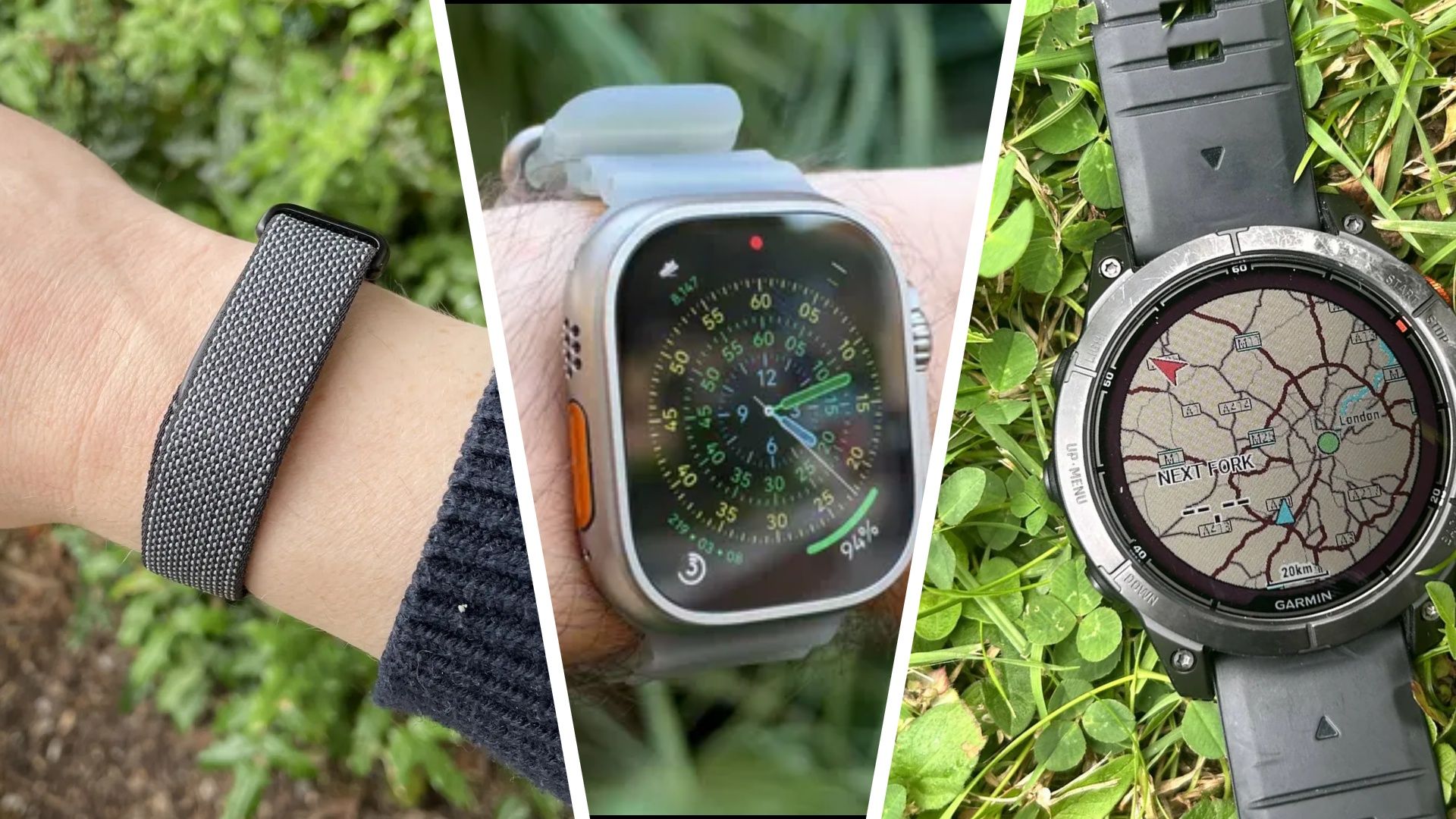
When a well‑worn fitness band starts to falter or no longer satisfies a user’s changing requirements, the logical step is often to move to a newer version or even a different manufacturer. The difficulty, however, is transferring the amassed health and exercise records to the replacement without forfeiting the valuable trends gathered over months or years.
The leading fitness ecosystems—Fitbit, Apple, Garmin and Samsung—keep user information in cloud‑hosted accounts reachable from any paired device. To preserve historical activity, users must first ensure their current tracker has fully synchronized with its companion app and that the account information is current. After confirming the data is safely stored online, the user can attach the new gadget to the identical account, usually by downloading the newest app version, logging in, and following the on‑screen pairing steps.
If a user decides to jump to a different brand—e.g., swapping a thin Fitbit band for a bulkier GPS‑centric running watch—the process may require extra steps. Numerous makers permit exporting data in common formats like CSV or TCX, yet the destination platform might not automatically accept every data point. It is recommended to download one’s historical logs from the original service, then upload them into the new system whenever feasible, or employ third‑party utilities that connect disparate ecosystems. When a direct import is not supported, retaining a personal backup of the exported files guarantees the information remains accessible.
Planning the upgrade to coincide with big discount periods—like Black Friday—can lower the price tag, though it may also stretch support teams thin. Buyers ought to check that the incoming device’s firmware is up‑to‑date and that any necessary companion apps have been refreshed before starting the transfer. Moreover, performing a factory reset on the former tracker after confirming a successful data migration safeguards personal data and readies the hardware for resale or recycling.
Analysts observe that the capacity to keep data when moving between devices shapes brand allegiance, particularly as consumers grow increasingly data‑centric in their wellness habits. Companies that simplify migration—through one‑tap account linking or native data import tools—appeal to users who want an upgrade without breaking continuity. In contrast, disjointed ecosystems can discourage switching, bolstering the dominance of a handful of major brands.
Looking forward, specialists expect stricter integration standards that may render cross‑brand data moves smoother. Until then, anyone intending to upgrade a fitness tracker should focus on complete synchronization, meticulous export of past logs, and confirming that the new gadget can connect to the same account. By adhering to these practices, users can reap the advantages of newer hardware while retaining the long‑term health insights that guide their training and wellness choices.

Comments (0)
Be the first to comment.
Join the discussion