Understanding the cryptic bell icon in CarPlay’s app switcher
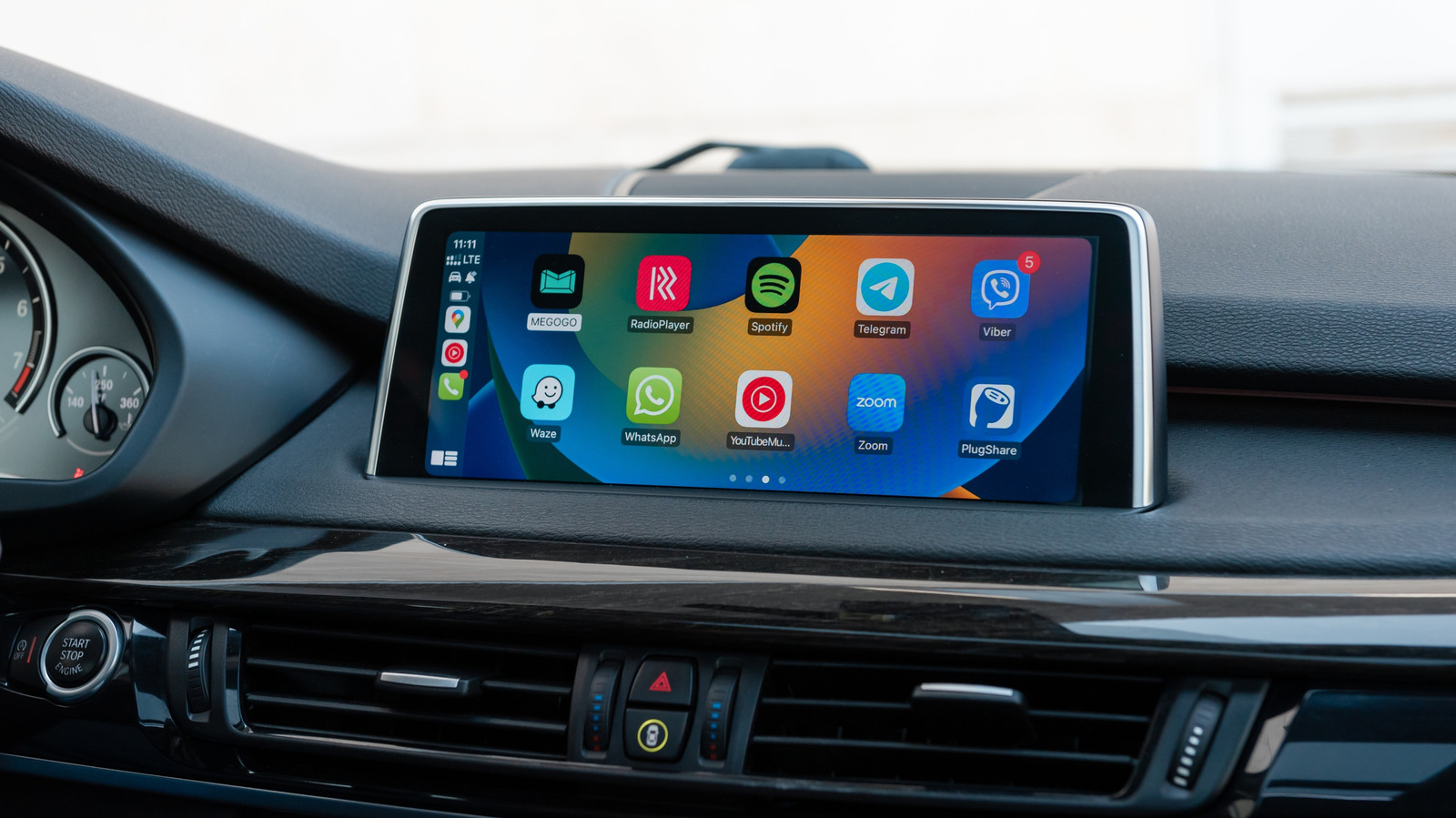
When a tiny bell shows up on the CarPlay app switcher, it isn’t merely ornamental; it signals that the highlighted app holds unread notifications that need attention.
Apple has designed CarPlay’s UI to be minimal, presenting only essential icons for navigation, phone, music and a handful of third‑party apps so drivers stay focused. Pressing the Home button twice or swiping up summons the app switcher, where every active app appears as a tile. The bell icon, typically placed in the tile’s upper‑right corner, appears on those tiles.
On the iPhone a red badge counts unread messages or alerts, but CarPlay’s limited screen real‑estate renders a numeric badge unusable. Consequently, Apple chose a single bell icon to mark any app that has active notifications—be it a fresh text, a calendar alert, or a new navigation request—that the driver hasn’t yet viewed.
Apple’s support notes state that the bell shows up solely when an app’s notification payload is active during a CarPlay session. Tapping the app removes the bell, because the system presumes the alert has been seen. Apps lacking CarPlay‑specific notification support won’t display the bell, even if they show a badge on an iPhone.
This design aligns with Apple’s wider safety philosophy: give drivers enough awareness of pending messages without forcing them to look away from the road. By employing a straightforward, universally recognized symbol, CarPlay keeps users informed yet nudges them to handle alerts after stopping or via voice control.
Future outlooks suggest Apple could tweak this visual cue as CarPlay matures—perhaps adding Do Not Disturb‑while‑driving filters or swapping the bell for a more detailed indicator that separates urgent alerts from routine notices. At present, the bell stays the primary signal that an app on CarPlay holds information the driver has not yet acknowledged.



Comments (0)
Be the first to comment.
Join the discussion