Simple Ways to Boost Your Android Phone’s Battery Life
Android owners whose devices run out of power before the day is over can follow a set of easy steps to prolong battery life without needing a new handset. Recent advice from tech publications points out that the majority of drain originates from default configurations and typical usage habits rather than from a faulty battery.
Reducing the screen’s brightness or turning on adaptive brightness— which automatically adjusts illumination according to surrounding light— is among the most impactful tweaks. Because the display consumes the most energy on a smartphone, even slight dimming can add a few extra hours of use, especially when paired with a shorter screen‑timeout setting that limits how long the screen stays on while idle.
Background processes represent another major source of consumption. Numerous apps continue to pull data, push notifications, or access location services even when they’re closed. By opening the battery‑usage section in Settings, users can spot the most power‑hungry apps and either curb their background activity, revoke unnecessary permissions, or uninstall seldom‑used software. Disabling “always‑on” location and restricting GPS to moments when it’s explicitly required also stops the radio hardware from drawing power continuously.
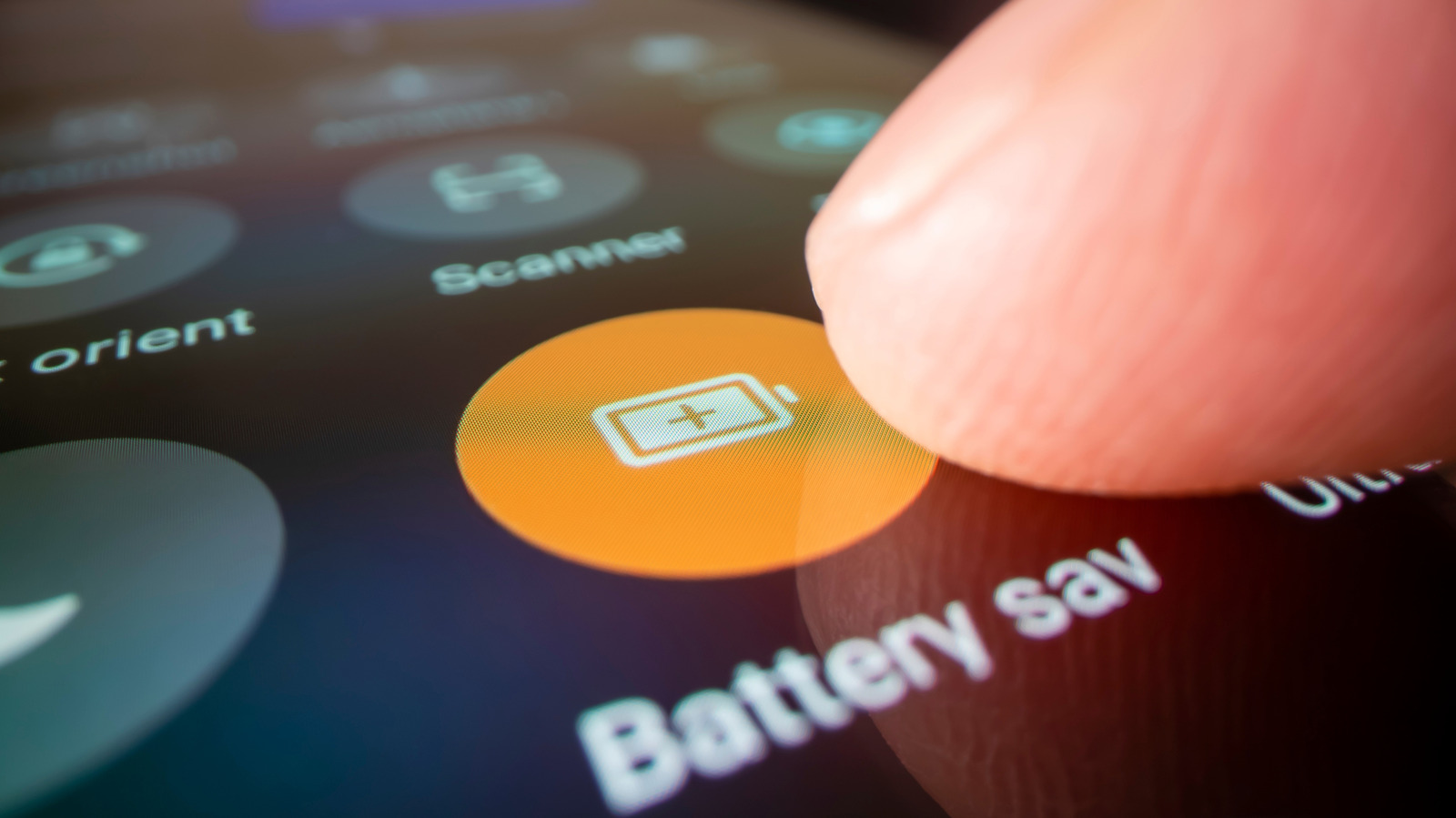
System‑level options such as Battery Saver, dark mode, and adaptive battery can also be switched on to conserve energy. Battery Saver lowers CPU performance and curtails background tasks once the charge drops below a chosen level; dark mode reduces power draw on OLED screens by showing darker pixels; adaptive battery, a feature of newer Android versions, learns usage patterns and allocates power to frequently used apps while throttling those that are rarely needed.
Keeping the operating system and applications up to date is another practical recommendation. Software updates frequently contain power‑management improvements, fix bugs that cause excessive wake‑locks, and fine‑tune background sync schedules. Likewise, charging with the charger that came with the device—or a reputable, high‑quality third‑party alternative—ensures efficient charging and avoids the stress of over‑ or under‑voltage that can diminish capacity over time.
Finally, users should pay attention to environmental conditions. Extreme heat or cold can temporarily lower a battery’s capacity and accelerate long‑term wear. Storing the phone in a moderate climate, steering clear of prolonged direct sunlight, and not leaving it plugged in for days are simple habits that help maintain battery health. By applying these adjustments, most Android users can notice a clear boost in daily endurance without costly replacements or professional repair.



Comments (0)
Be the first to comment.
Join the discussion