Samsung introduces DeX shortcut for Galaxy Z Fold 8’s interior screen
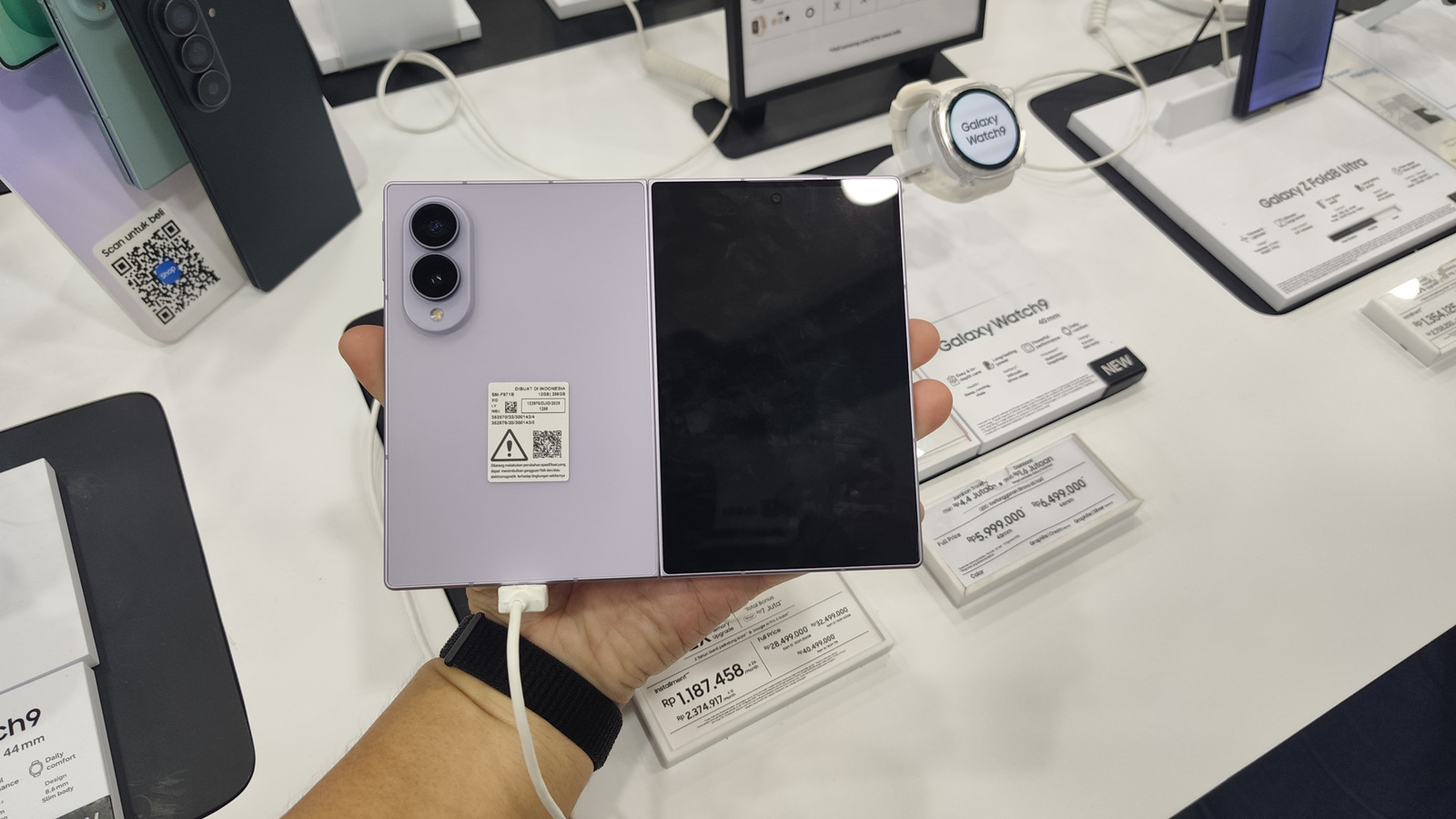
A fresh shortcut now lets Galaxy Z Fold 8 users start DeX straight from the phone’s inner display, converting the tablet‑sized screen into an impromptu desktop without requiring any external monitor.
Originally launched years back, DeX normally demanded that a compatible Samsung handset be hooked up to a TV or monitor using a cable, dock, or wireless adapter to deliver a PC‑style environment. With the new quick‑settings toggle and a flip to the Fold’s bigger screen, the same multi‑window, resizable app experience is now portable.
Analysts observe that this step fits Samsung’s wider plan to erase the boundary between mobile and desktop workflows. Foldables already strive to merge a phone’s mobility with tablet‑grade productivity, and embedding DeX directly into the native UI reinforces that promise.
Initial reviewers of the Galaxy Z Fold 8 commend the ease of invoking DeX without lugging additional gear. Running a desktop‑like workspace on the inner panel lets users tackle document edits, spreadsheets, or even light coding on a bigger canvas while staying completely untethered.
Although this shortcut doesn’t supplant the full‑featured external‑display mode—where DeX can power a 4K monitor alongside a mouse and keyboard—it provides a practical middle ground for those seeking a swift productivity lift while traveling or remote‑working.
Samsung hasn’t confirmed if the shortcut will extend to other foldable or flagship devices, though its software updates typically expand support as they roll out. Observers anticipate that upcoming DeX versions could deepen integration with Samsung’s ecosystem, possibly adding more peripherals and cloud‑service compatibility.

Comments (0)
Be the first to comment.
Join the discussion