Resetting iPhone Camera Settings to Restore Original Image Quality
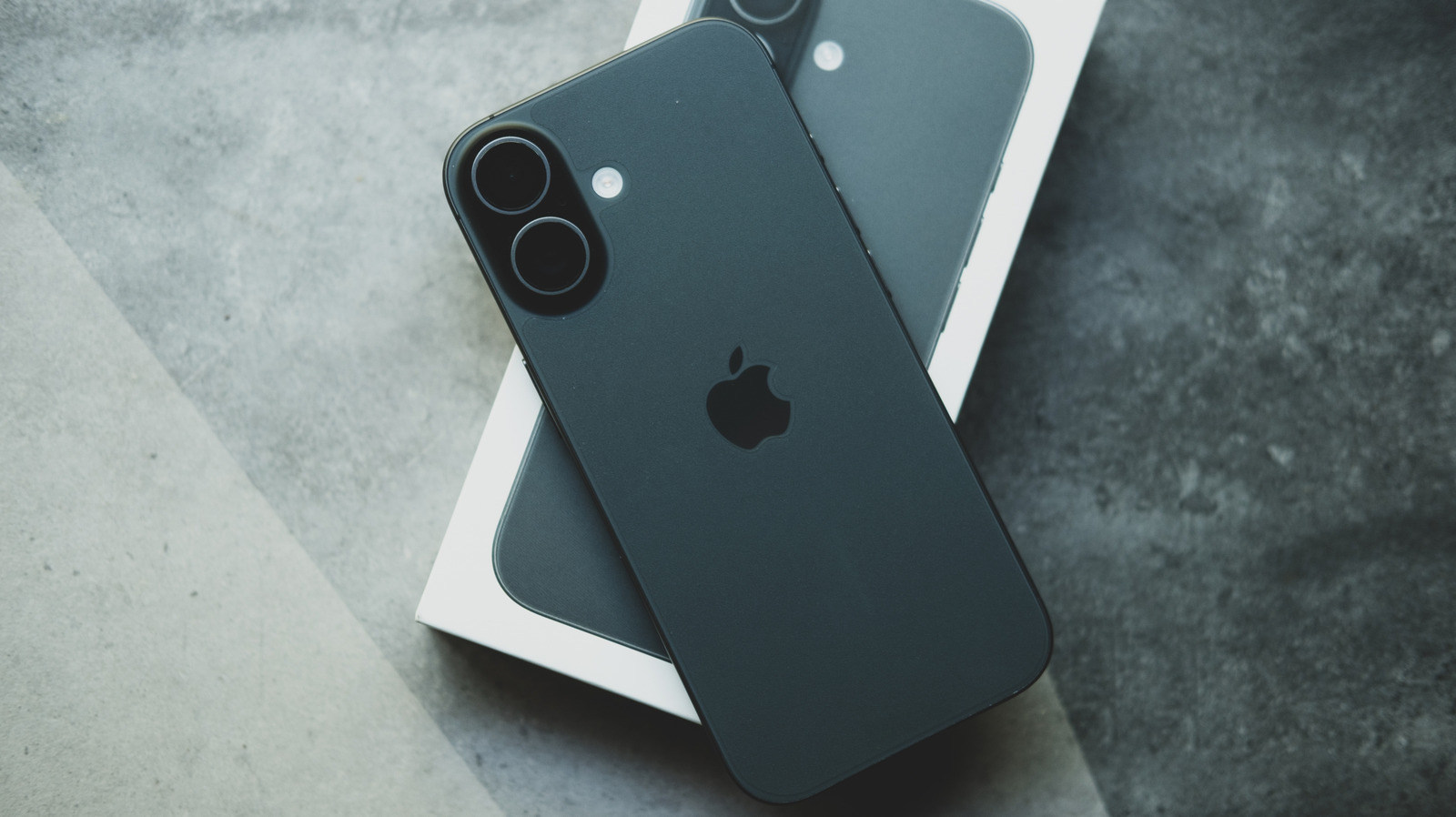
Owners of Apple iPhones who depend on the native Camera app for daily snapshots now have a simple method to clear any personal adjustments and bring the software back to its factory configuration, which can help regain the device’s original out‑of‑the‑box photo quality.
As time passes, users frequently play with features such as HDR, grid overlays, lens correction, or attach third‑party lenses, and these changes can pile up, resulting in unexpected exposure or focus behavior. When a picture looks off and the reason isn’t clear, resetting the camera settings provides a fast troubleshooting step without needing a complete device restore.
To execute the reset, iPhone users should launch the Settings app, scroll to the Camera section, and switch off the "Preserve Settings" toggle if it is turned on. Then, within the same menu, tap "Reset Settings" and confirm when asked. This action wipes all preferences—including framing guides, video‑stabilization options, and custom filters—while leaving the operating system and personal data intact.
Reverting to defaults proves especially handy after installing new iOS updates, which can alter how the Camera app interprets existing settings. Starting with a clean slate lets photographers reassess lighting, composition, and focus without hidden variables, making it simpler to decide whether a problem originates from software or external factors like lighting conditions or accessories.
Crucially, the reset does not erase any images already stored in the Photos library, so users can experiment without jeopardizing their existing collection. After resetting, they can reactivate preferred options one at a time, adopting a systematic approach to re‑customizing the app. This capability to return to default camera parameters ensures iPhone photographers can keep consistent image quality while exploring the device’s extensive photographic features.


Comments (0)
Be the first to comment.
Join the discussion