Recognize When Your Home Router Is Outdated: Key Indicators to Watch
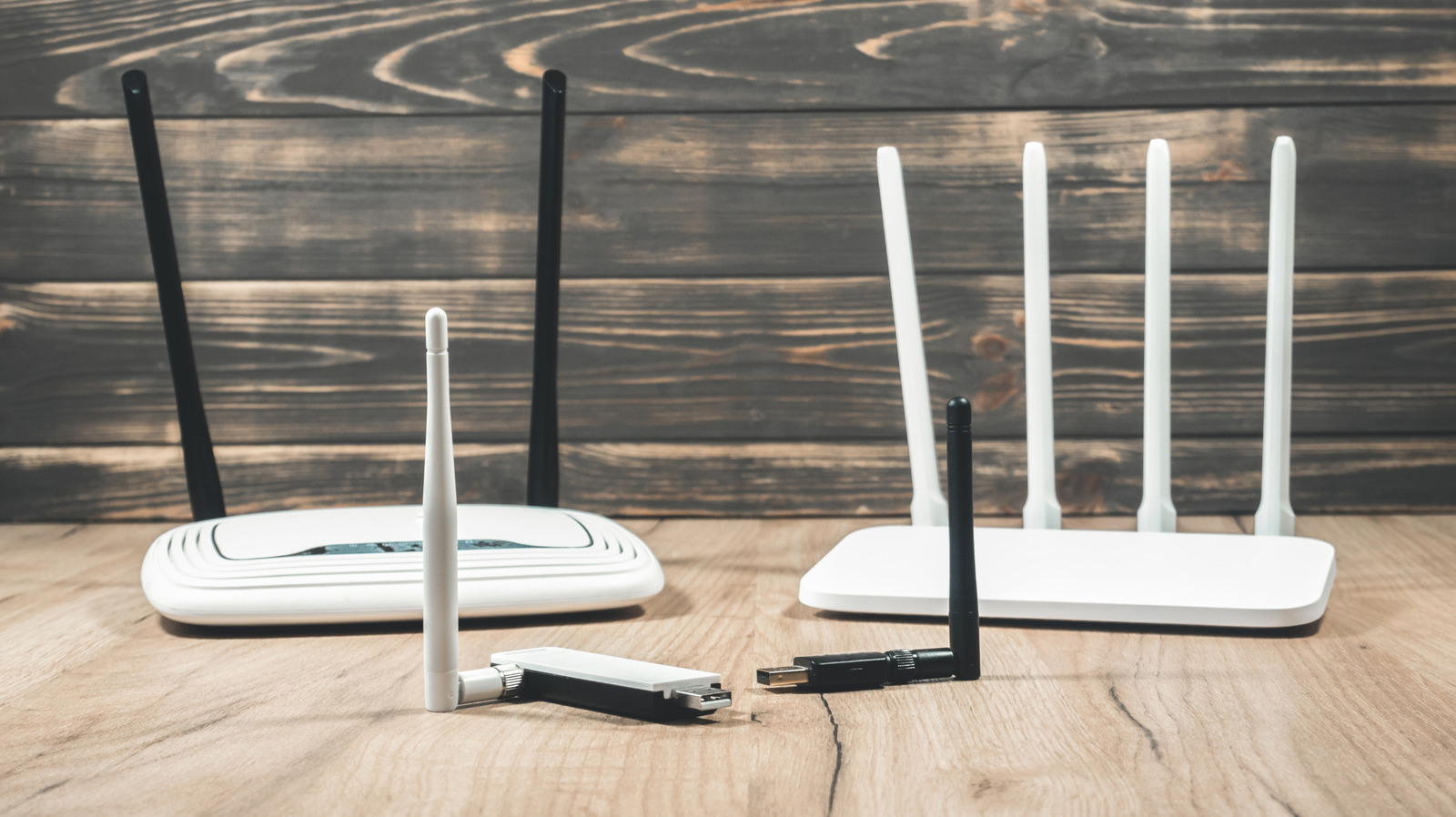
Many homeowners expect their wireless router to last forever, yet its performance can gradually deteriorate, resulting in slow connections and occasional drop‑outs that annoy users. With an ever‑growing number of devices depending on reliable Wi‑Fi for work, entertainment and smart‑home tasks, pinpointing when a router has outlived its usefulness is now more crucial than ever.
Common signs that a router is faltering are repeated disconnections, markedly reduced download and upload rates, and trouble connecting additional devices. Owners might also observe the unit becoming unusually warm or see its status lights flicker unpredictably. Although isolated glitches can arise from ISP problems or network congestion, a consistent occurrence of these symptoms usually indicates hardware wear.
These issues stem from a handful of technical reasons. Out‑of‑date routers often stop receiving firmware patches, exposing them to security vulnerabilities and making them incompatible with newer devices. Heat and regular use cause internal parts—like capacitors and antennas—to wear down, which weakens signal strength and lowers throughput. In addition, legacy units that only support older Wi‑Fi standards (such as 802.11b/g/n) cannot meet the high‑bandwidth needs of today’s streaming and gaming.
Users can perform basic checks to assess a router’s condition. Running speed tests over a wired link helps determine if the slowdown originates from the ISP or the wireless segment. Comparing the router’s firmware revision with the version listed on the maker’s site shows whether updates remain available. Restoring the device to factory defaults and re‑setting up the network may clear software bugs, yet if performance stays lacking, a replacement is probably necessary.
Age serves as a useful yardstick: the majority of makers expect routers to deliver peak performance for roughly three to five years. Once a device reaches or surpasses that timeframe, it often misses support for newer standards like Wi‑Fi 6 (802.11ax) and the latest security measures. Swapping out an old router can expand coverage, cut latency, and enhance defense against cyber threats, typically for a cost similar to the initial investment.
Prospective buyers ought to evaluate the specific demands of their home before selecting a replacement. A lone router might be adequate for compact apartments, whereas spacious residences often gain from mesh networks that spread the signal uniformly. Options such as dual‑band or tri‑band capability, gigabit Ethernet ports, and integrated parental controls increase versatility. Although many ISPs bundle routers with their plans, third‑party units generally deliver superior performance and enjoy extended software support.
Looking forward, the swift deployment of faster broadband and the surge of IoT gadgets will compel more frequent router upgrades. Analysts in the field recommend swapping routers every three to four years to preserve peak speed and security. By keeping an eye on the warning signs described above, users can sidestep extended connectivity problems and ensure their home networks operate smoothly.



Comments (0)
Be the first to comment.
Join the discussion