PowerToys Introduces Automation Features to Simplify Common Windows Tasks
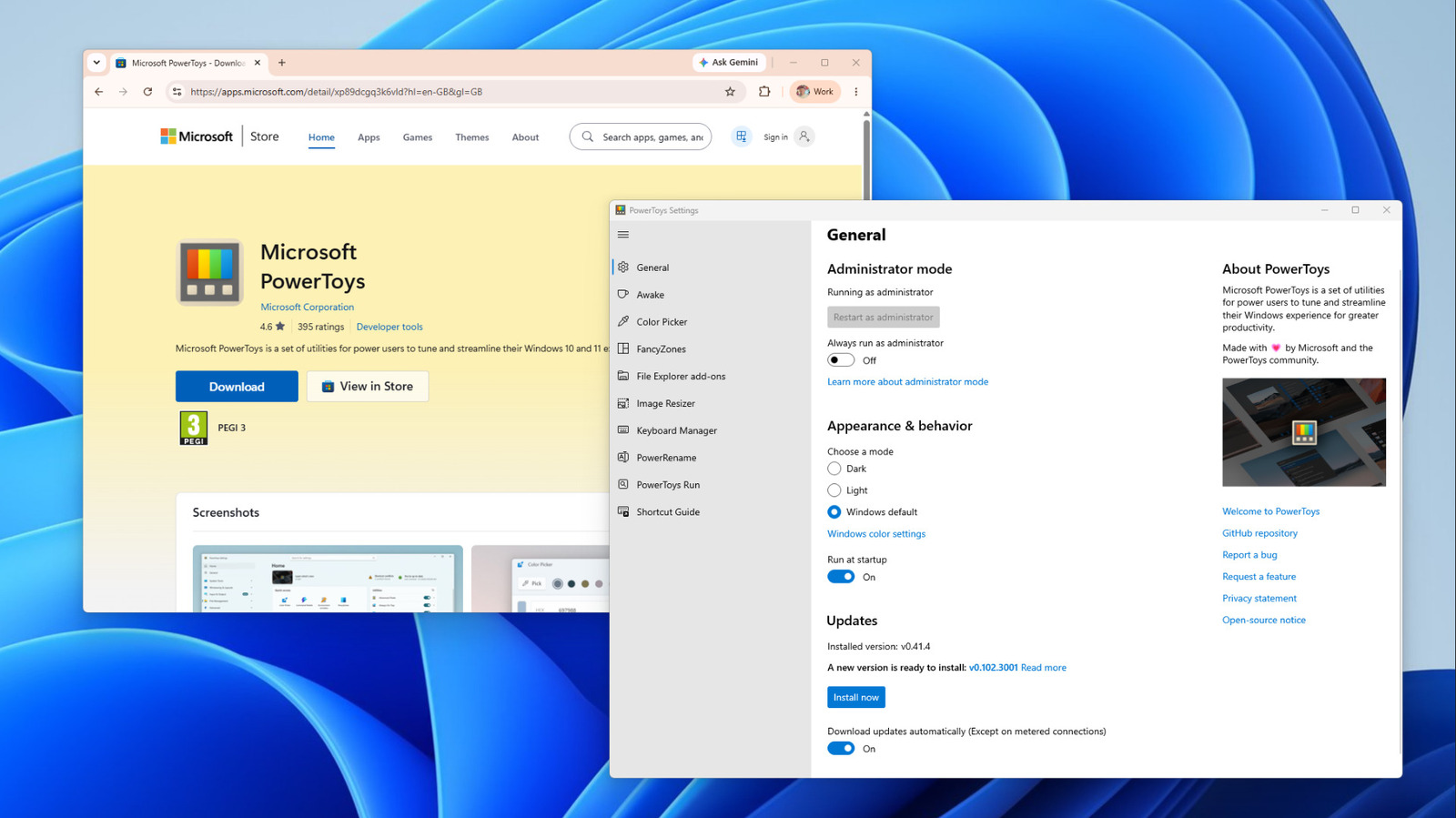
The PowerToys collection from Microsoft has grown to include automation‑centric tools designed to trim minutes—or even hours—from everyday computer chores. This newest version packages a handful of efficiency‑boosting functions into one free download, cementing PowerToys as the preferred kit for users who want to cut down on repetitive clicks and keystrokes on Windows.
The update adds several features, such as an upgraded batch‑renaming utility that permits custom pattern application to extensive file sets, and a window‑management tool that instantly places apps into preset zones via a shortcut. It also brings a keyboard‑remapping component, enabling the binding of intricate command strings to a lone key, plus a rapid‑launch search bar capable of running commands, opening programs, or executing scripts without departing the desktop.
PowerToys isn’t a fresh invention; it began as a private toolbox for Microsoft engineers in the early 2000s and was later relaunched as an open‑source project on GitHub in 2019. This community‑focused development approach has drawn contributions from programmers around the globe, producing a swift stream of releases and an expanding suite of functions that serve both power users and casual fans.
Initial users have noted tangible productivity improvements. Designers, for example, can rename hundreds of asset files within seconds, and developers can bind often‑used terminal commands to a single keystroke. The window‑tiling capability lessens manual resizing, smoothing multitasking on high‑resolution screens. Since the utilities are optional and modular, individuals can activate only the parts that suit their workflow, preserving a minimal system footprint.
Looking forward, Microsoft indicates that PowerToys will keep advancing in step with Windows 11, aiming to embed deeper system hooks and broaden community participation. Because the project is open‑source, fresh utilities can be suggested, developed, and shipped without awaiting a major OS rollout, keeping the suite adaptable to new user demands. As Windows users look for more ways to automate routine chores, PowerToys offers a free, extensible option that fills the space between native OS capabilities and third‑party applications.



Comments (0)
Be the first to comment.
Join the discussion