Pixel Smartphones Offer Desktop‑Like Experience When Connected to a Monitor
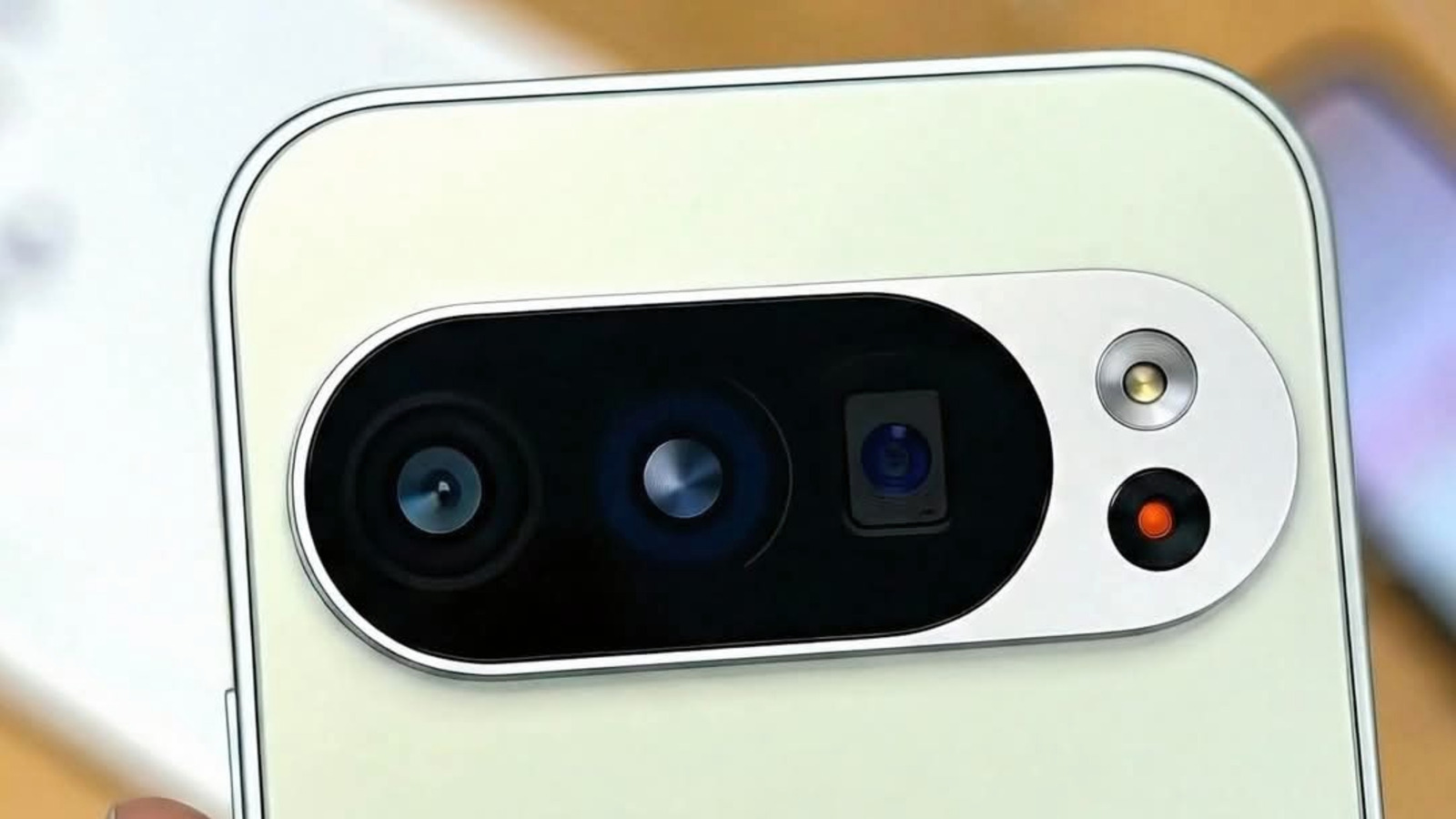
The latest Pixel phones from Google are able to function as small desktop machines, courtesy of Android’s Desktop mode that kicks in once the phone is hooked up to an external screen. Connecting a Pixel to a monitor through USB‑C brings up a windowed, PC‑style UI with multitasking, adjustable app windows and a taskbar, essentially converting the device into a miniature workstation.
Introduced with Android 12L and polished in later releases, the capability targets big displays like TVs, monitors, and even certain car infotainment units. If a supported Pixel—be it the Pixel 7, Pixel 7 Pro, or the newer Pixel 8 series—is connected to a screen, Android automatically adopts a landscape orientation tuned for mouse and keyboard use. Users may connect Bluetooth accessories or employ a USB hub to add a keyboard and trackpad, reproducing a conventional desktop configuration.
Although it looks similar to Samsung’s DeX, Android’s Desktop mode differs because it executes the same Android applications directly, without an extra OS layer. Apps that allow window resizing will stretch to occupy the full display, whereas those that don’t will stay in a reduced, phone‑sized window. Consequently, a wide range of Android apps function immediately, though productivity‑oriented programs such as Google Docs, Chrome and Gmail gain the greatest advantage from the expanded screen.
Analysts suggest the feature may attract people who want occasional computing ability without lugging a laptop. Students, remote employees, and travelers can assemble a portable workstation in a café or hotel room simply by linking a Pixel to a monitor and attaching a keyboard. Because the upfront expense is minimal—typically only a USB‑C cable and an existing monitor—it presents a compelling option compared with pricier thin‑client setups.
Nevertheless, the desktop mode does not serve as a complete PC substitute. Its performance is limited by the phone’s CPU and memory, and some desktop‑level software is still missing from Android. Moreover, the mode draws power from the phone’s battery unless a powered dock is employed, and because not every app is tuned for the bigger interface, occasional scaling glitches can occur.
Google has indicated that upcoming updates will expand app compatibility and add more sophisticated multitasking gestures, pointing to a future where the desktop mode becomes a core element of Android. As the distinction between mobile and desktop narrows, turning a smartphone into a capable workstation could soon be a baseline expectation for premium Android devices.

Comments (0)
Be the first to comment.
Join the discussion