Microsoft's Windows 11 Media Creation Tool Makes USB Boot Media Easy
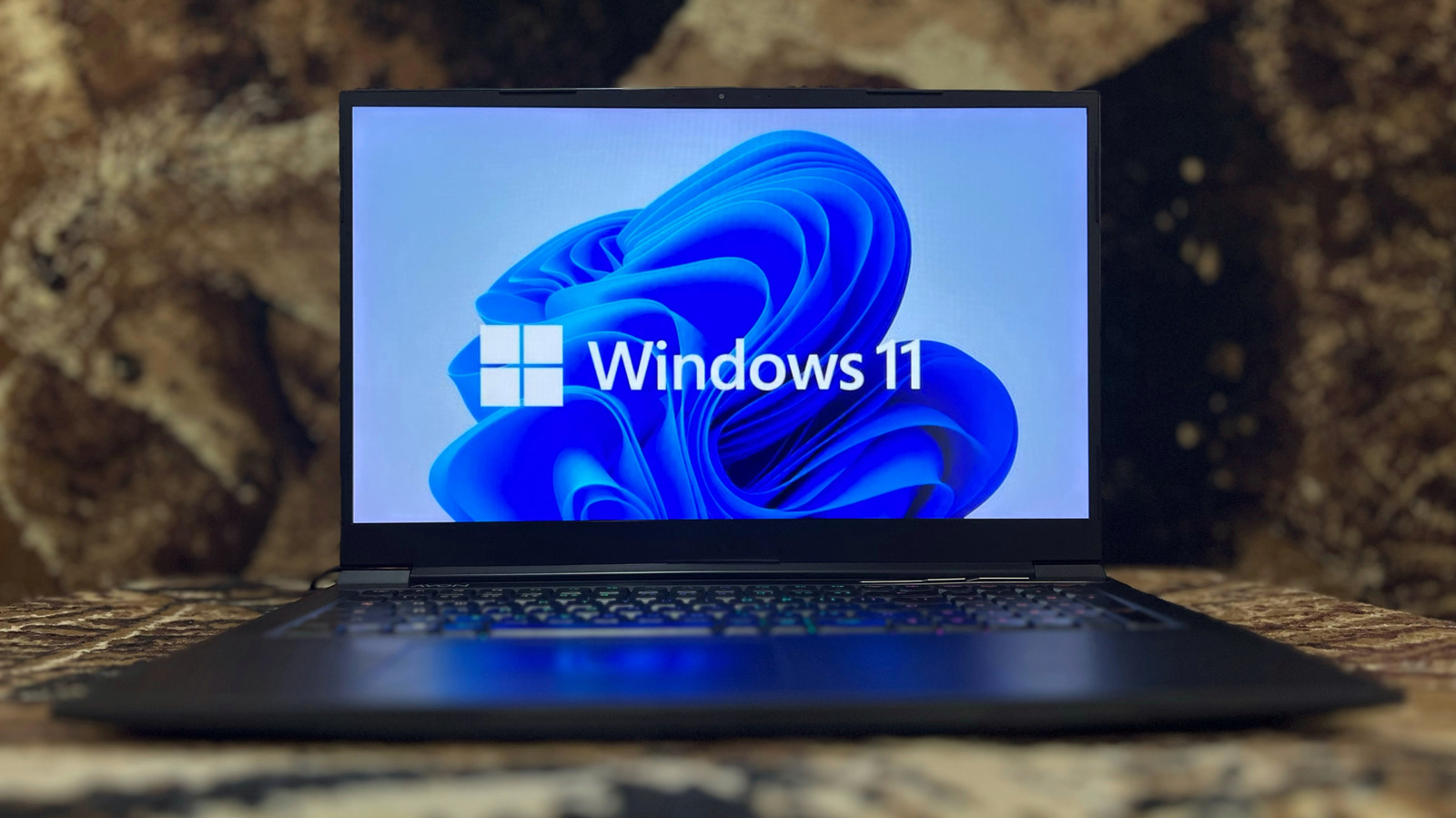
The newest Windows 11 Media Creation utility from Microsoft offers a simple method for converting an ordinary USB flash drive into a bootable installer, a feature that can accelerate fresh installs, system recoveries and hardware upgrades.
The program is obtained as a tiny executable from Microsoft’s site. After starting it, the wizard walks the user through steps to select the Windows 11 edition, language and 64‑bit architecture, then automatically formats the chosen USB stick and copies the required files to make it bootable. On a typical broadband link, the whole operation usually finishes in less than thirty minutes.
As Windows 11 continues to capture a larger share of the market, the need for a portable installer grows, especially since many PCs must meet hardware prerequisites like TPM 2.0 and Secure Boot for a fresh install. A bootable USB also provides a dependable rescue option when a computer cannot boot from its internal drive, letting technicians and users troubleshoot without a network connection.
Beyond emergency recovery, the USB installer proves handy for IT teams, teachers and small‑business owners who frequently set up new machines. Because the media is self‑contained, it removes the dependence on optical drives—now rare on modern laptops—and lessens the need to store bulky ISO images on network shares.
The utility does come with a few practical limits. It requires a flash drive of at least 8 GB that can be wiped, and it must be executed on a Windows 10 or Windows 11 PC with an active internet connection to fetch the latest image. Users should also note that the created media mirrors the Windows 11 build available at download time, so periodic refreshes may be necessary to stay up‑to‑date with security patches.
Looking forward, Microsoft is expected to keep polishing the Media Creation experience, possibly tying it more closely to Windows Update for Business and other deployment tools. Such integration could simplify large‑scale rollouts for organizations that favor offline installation media on isolated networks.
For the moment, the Media Creation Tool remains a free, officially supported way for anyone to have a ready‑to‑use Windows 11 installer at hand. By streamlining the creation of a bootable USB, the program helps keep the OS reachable, especially for users who need to reinstall or repair their PCs without waiting for a full online update.



Comments (0)
Be the first to comment.
Join the discussion