Microsoft rolls out upgraded Copilot, merging chat, coding and automated workflows into one hub
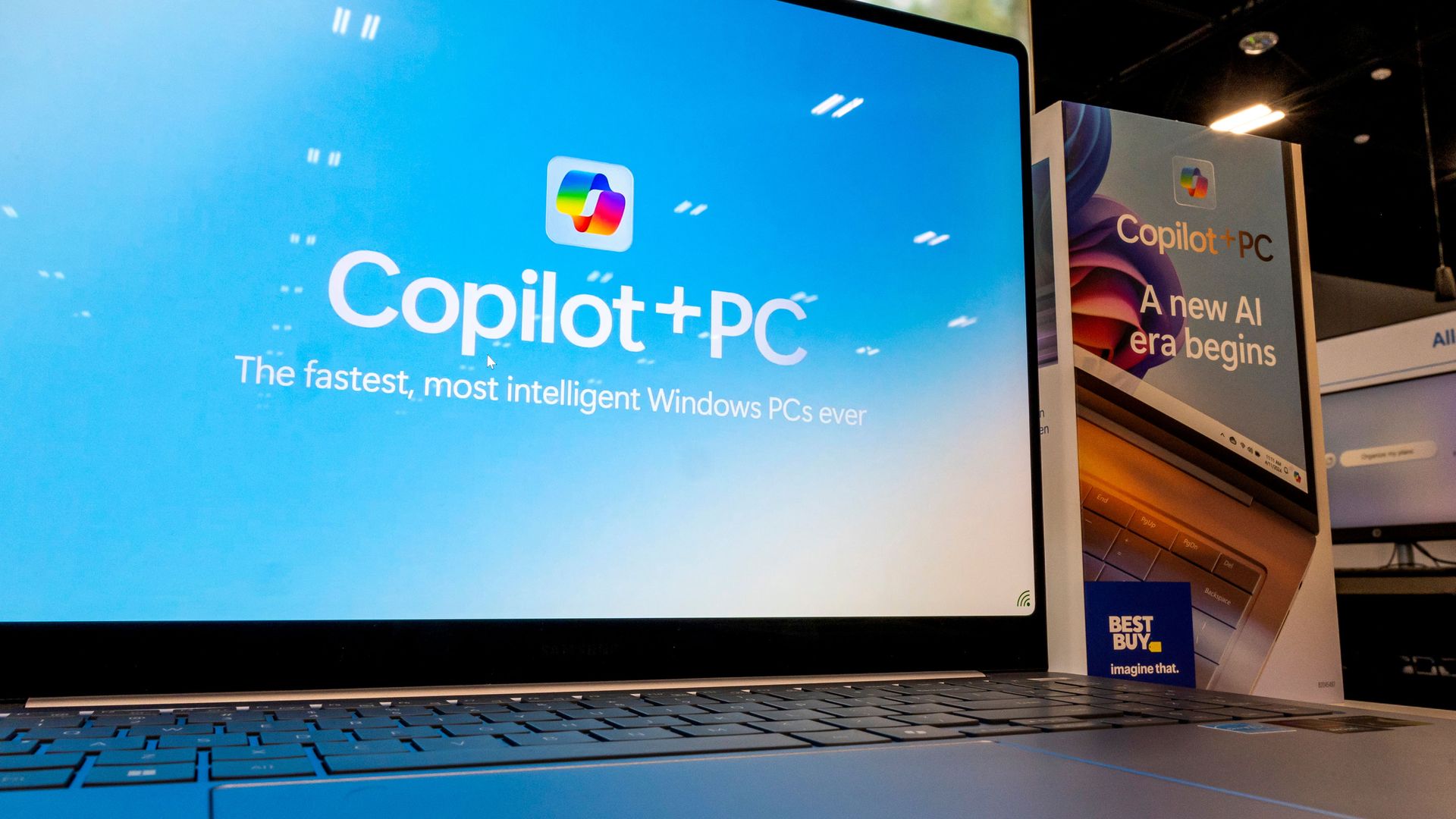
Microsoft unveiled on Tuesday a comprehensive redesign of its Copilot AI assistant, framing it as a single workspace that fuses conversational chat, document management and task automation for both personal and business contexts.
The refreshed UI, named “Home,” brings together active chats, assigned tasks and Office documents in one view, letting users hop between composing emails, inspecting spreadsheets and overseeing project duties without exiting the environment. By unifying these components, Microsoft seeks to cut down the friction of constant context‑switching that many knowledge workers endure.
A key feature the firm highlighted is “Code,” which enables users without programming background to describe the desired functionality in everyday language. Copilot then converts those instructions into functional code, effectively lowering the entry barrier for creating simple apps or automations. Microsoft says this capability leverages its large language models and the extensive GitHub Copilot knowledge base.
The addition dubbed “Autopilot” is intended to automate repetitive or recurring processes. After a workflow is set up, the system can carry out subsequent steps autonomously, without waiting for further prompts, allowing users to concentrate on higher‑level decisions. Use cases could include routine report generation, data entry or regular content updates.
The overhaul aligns with Microsoft’s wider plan to weave generative AI throughout its productivity suite, such as Word, Excel and Teams. Analysts observe that blending chat‑based help with code creation and workflow automation signals a move toward “AI‑first” experiences, where a single model powers multiple aspects of work.
Although pricing has not been announced, the capabilities are slated to reach Microsoft 365 subscribers later this year, with an early‑access preview for pioneering users. Observers will likely monitor how the new Copilot balances convenience against data‑privacy worries and the reliability of automatically generated code, particularly in enterprise settings.
In sum, Microsoft’s revamped Copilot is positioned as a one‑stop interface for a broad spectrum of tasks, aiming to streamline activities at home and in the office. Its ultimate success will hinge on user uptake, the strength of its AI models and the depth of its integration with existing workflows.



Comments (0)
Be the first to comment.
Join the discussion