Managing Power on the Xbox Series X: Choosing Between Sleep (Instant‑On) and Full Shutdown
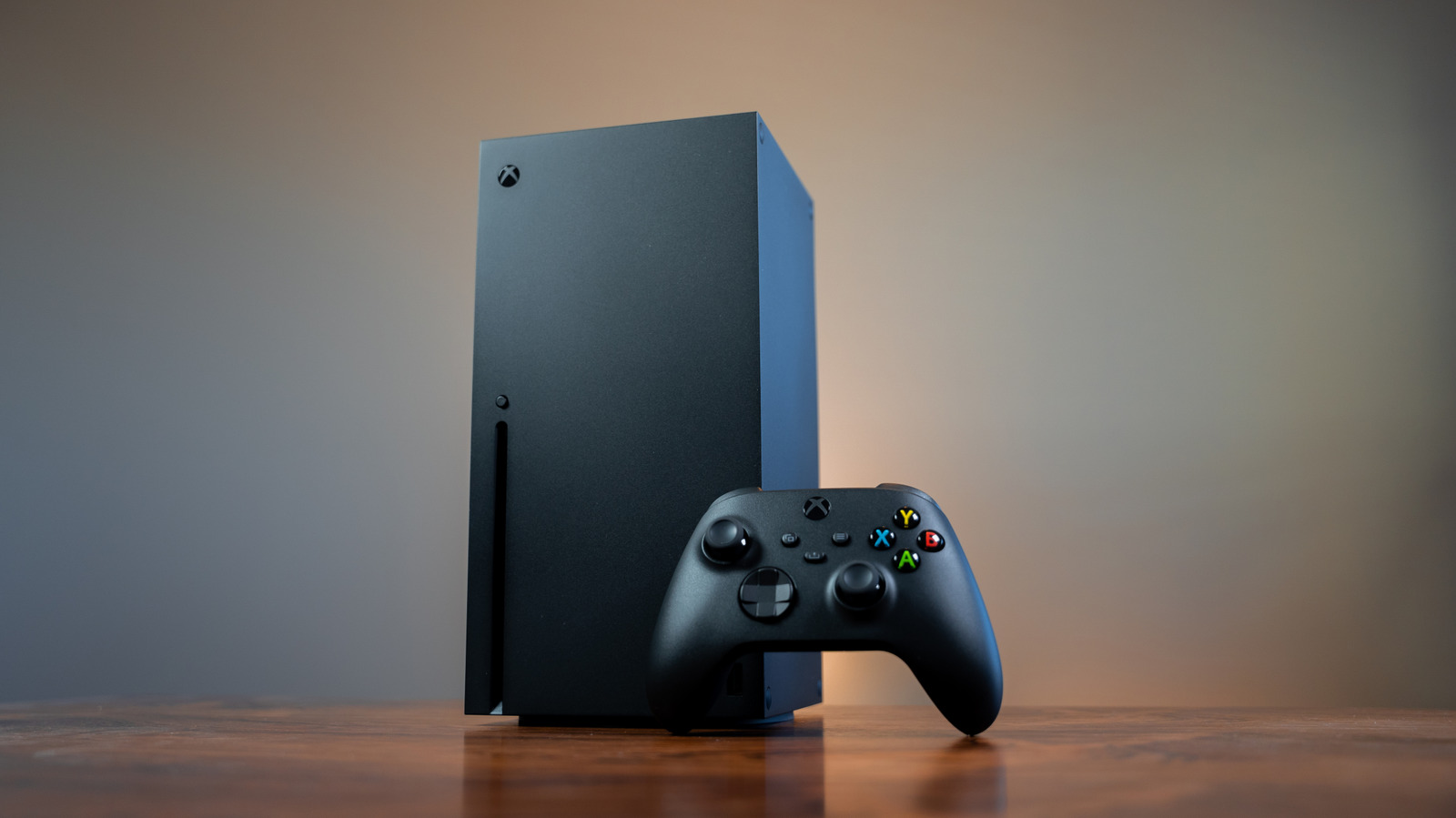
Xbox Series X owners often wonder whether to leave their console in sleep mode or to power it down completely, especially when it remains connected to a power outlet. While the system never truly powers off while plugged in, users can control its energy draw by choosing the appropriate setting.
Sleep mode, officially called "Instant‑On," keeps the console in a low‑power state that enables quick resume, background updates, and automatic game installations. In this mode the console draws a modest amount of electricity—enough to maintain network connectivity and keep the internal SSD ready for rapid wake‑up. For gamers who value speed and want their console to stay current without manual intervention, Instant‑On offers convenience at the cost of a small, continuous power draw.
Conversely, the "Energy‑Saving" option fully powers down the hardware after a short inactivity period. When this setting is active, the console stops all background processes and cuts its power consumption to a near‑standby level. This is the preferred choice for users aiming to minimize electricity usage or who plan to be away from the device for extended periods.
Microsoft’s design ensures that even in the fully powered‑down state the console’s power supply remains engaged, allowing the system to detect the power button press or remote commands. However, the distinction lies in how much circuitry remains active. The difference can be measured in watts, with Instant‑On typically consuming between 1 and 2 watts and Energy‑Saving dropping below 0.5 watts, according to standard console specifications.
Choosing between the two modes depends on personal habits and cost considerations. Frequent players who start sessions within minutes may accept the marginal increase in electricity use for the speed of Instant‑On, while households concerned about energy bills or environmental impact might set the console to Energy‑Saving by default and only switch to sleep mode for short breaks. The console’s settings menu makes toggling between these options straightforward, and users can also schedule automatic shutdowns to align with their daily routines.



Comments (0)
Be the first to comment.
Join the discussion