Live Text on iPhone Enables Instant Capture and Action on Physical Text
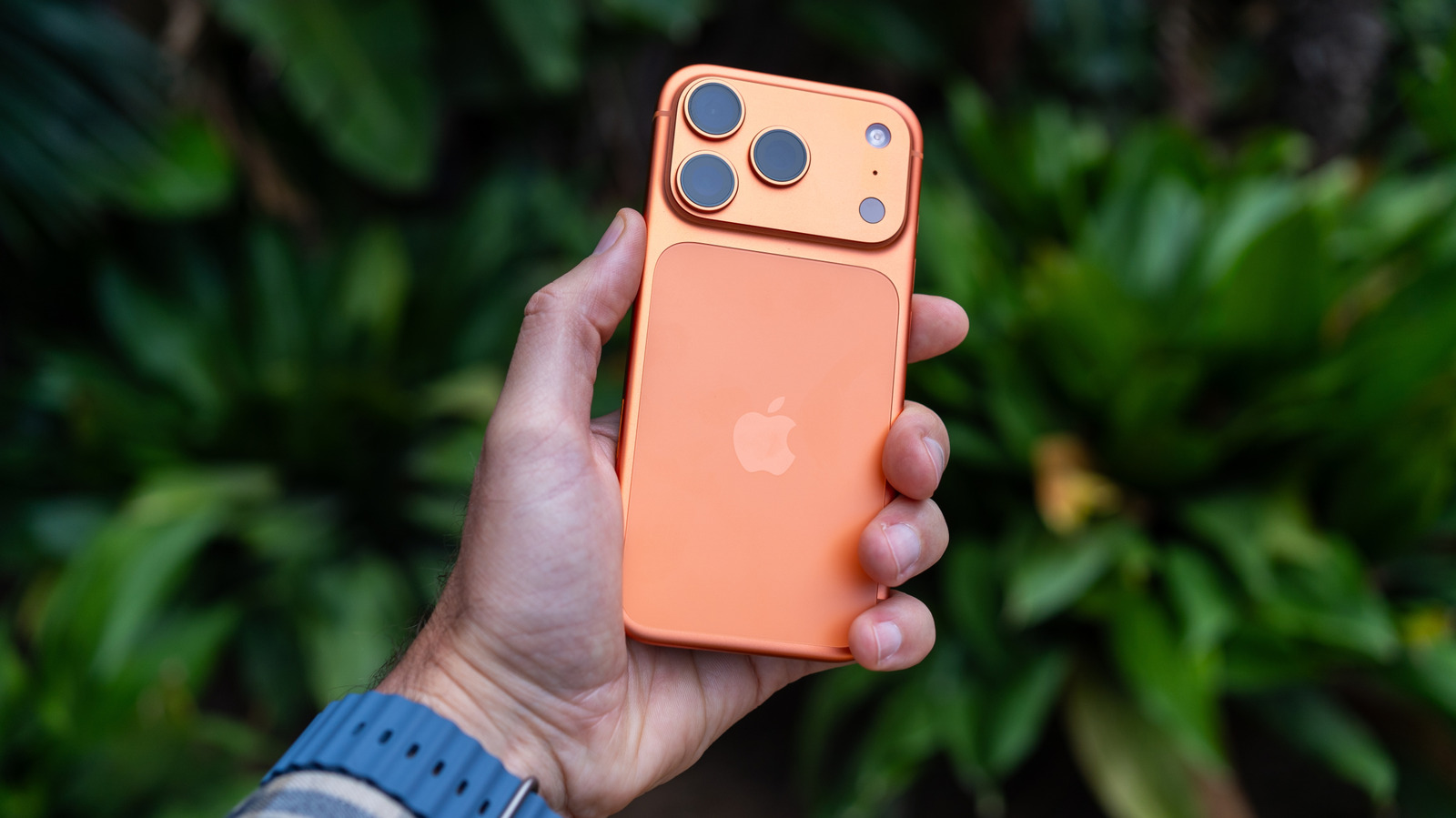
Integrated into the latest iOS releases, Apple’s Live Text lets iPhone users engage with printed or handwritten characters by merely aiming the camera at them, removing the necessity of manually typing the information displayed in the real world.
To activate the feature, a person opens the Camera application or selects an existing picture in the Photos app, then presses the Live Text button that surfaces over detected words. This capability also resides within Safari, Notes and several other built‑in apps, and it operates on iPhone models running iOS 15 or newer, such as the iPhone 12 lineup and later.
After the text becomes highlighted, a context‑aware menu provides options like copying it to the clipboard, inserting it into a message, searching for a definition, translating the segment, or—when the snippet is a phone number or address—starting a call or launching a map. Users may also choose several text blocks at once to pull out longer passages without having to transcribe them by hand.
Under the hood, Live Text employs an on‑device optical character recognition (OCR) engine that examines images instantly. Since the processing occurs locally, Apple stresses that no picture data leaves the device, safeguarding privacy while providing rapid feedback.
Critics have lauded the tool for its convenience, particularly in work and academic environments where swiftly grabbing serial numbers, receipts, or lecture notes can be a time‑saver. It also reduces the disparity with Android’s comparable functions, which have existed on numerous phones for years.
Looking forward, analysts anticipate that Apple will broaden Live Text to cover additional languages and embed it more tightly into third‑party applications through the forthcoming Vision framework. As the capability evolves, the boundary between digital and physical realms keeps fading, offering iPhone owners a fluid method to import real‑world data into their daily tasks.


Comments (0)
Be the first to comment.
Join the discussion