iPhone Users Can Spot Power‑Hungry Apps Using Built‑In Features
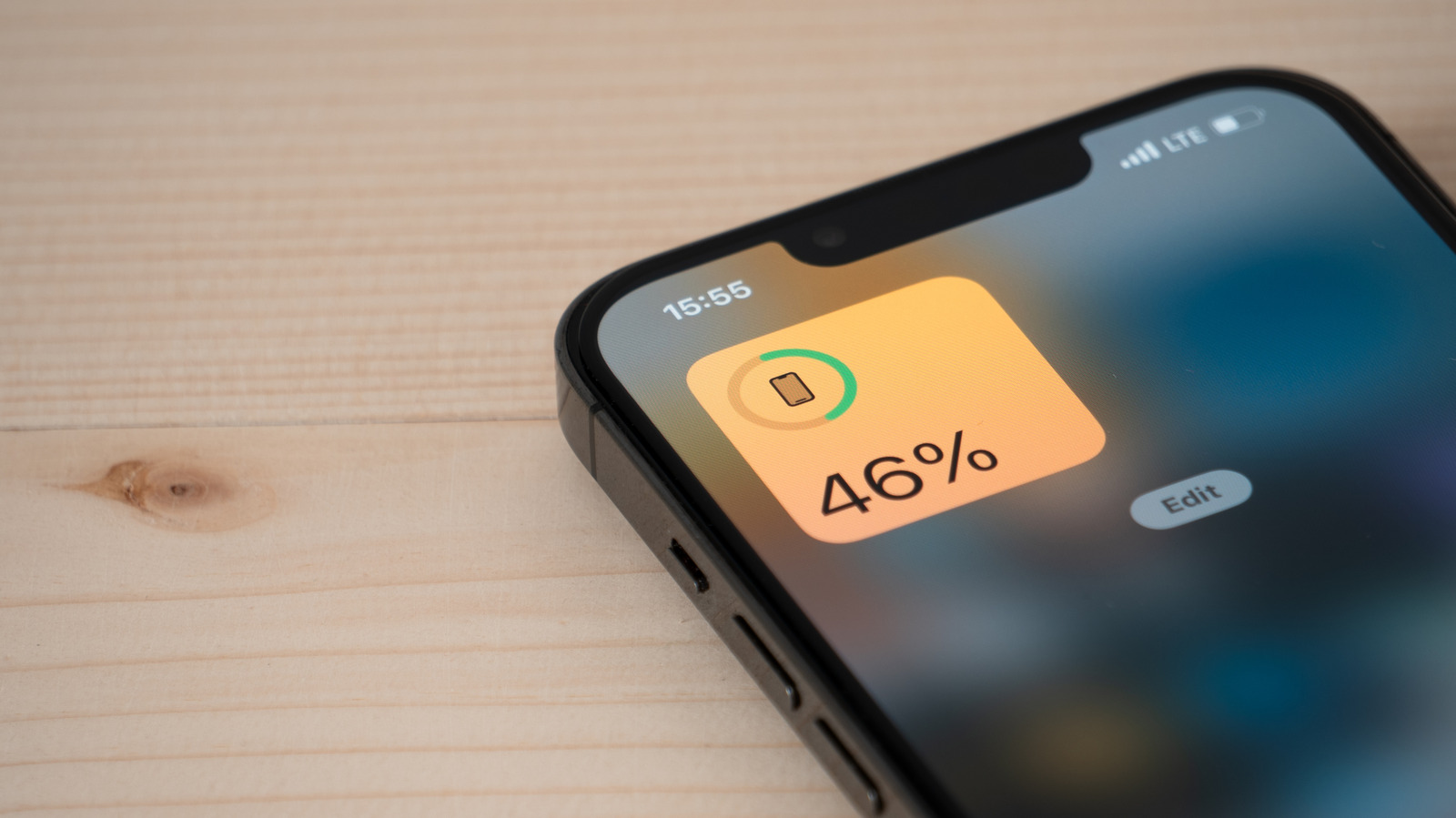
iOS offers iPhone users a simple method to identify the apps that draw the most energy, a handy tool when the phone has trouble getting through a normal day.
To view this information, open Settings, tap Battery, and examine the chart that orders apps by the share of battery they consumed during the last 24 hours or the past week. The view distinguishes foreground usage—when the app is visible on the screen—from background usage that happens behind the scenes.
Although the percentages are not precise milliwatt‑hour readings, they provide a trustworthy overview of which programs are the biggest energy hogs. An application near the top of the ranking is probably performing activities like data retrieval, location updates, or keeping a constant server link alive.
Typical culprits are social‑media sites that perpetually reload feeds, navigation tools that access GPS, and streaming services that maintain audio or video buffers. Even seemingly harmless utilities can sap battery if they are allowed background refresh or frequent push alerts.
To limit needless consumption, iPhone owners may switch off Background App Refresh for particular apps, set location permission to “While Using the App,” and turn off nonessential notifications. Activating Low Power Mode further slows background tasks and dims visual effects, prolonging battery life until the device is recharged.
Although software tweaks address much of the issue, some drain originates from aging hardware, extreme temperatures, or iOS glitches beyond the user’s reach. Still, checking the Battery usage screen is a useful first move for anyone aiming to eke out more daily runtime from their iPhone.



Comments (0)
Be the first to comment.
Join the discussion