iOS 27 Introduces AI‑Powered Adjustments and Hidden Utilities for Everyday iPhone Users
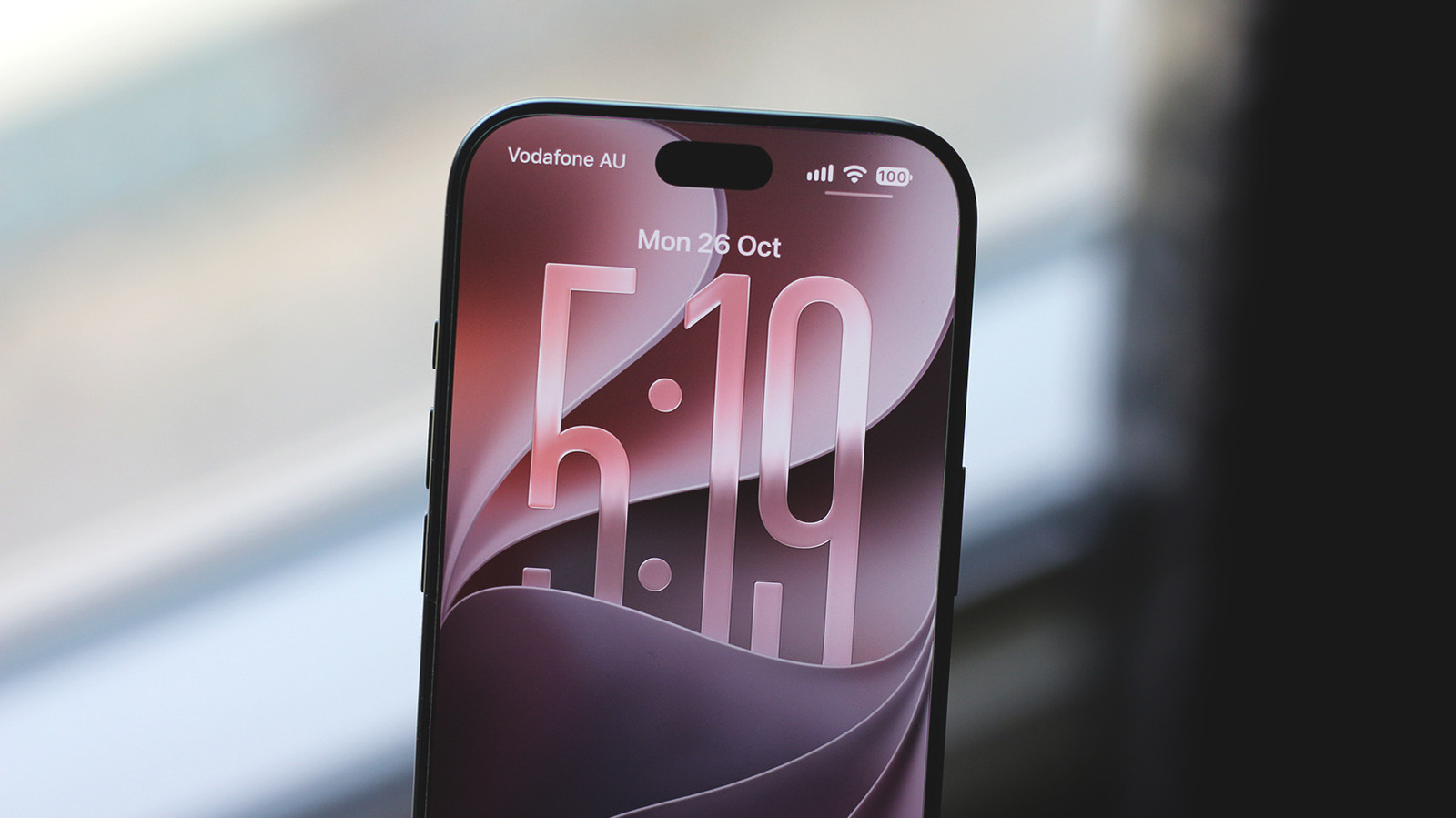
This week Apple shipped iOS 27 to compatible iPhones, delivering a collection of enhancements that extend past the eye‑catching visual changes. Though a number of people have already tried the new lock‑screen designs and camera adjustments, the release also incorporates a set of subtle, productivity‑oriented tools driven by Apple’s newly introduced Apple Intelligence framework.
One of the most useful additions is a group of context‑sensitive shortcuts that pop up automatically in the Control Center and on the keyboard. For instance, if the OS notices you drafting an email, it offers a single‑tap button to add a calendar entry or fetch a recent attachment, streamlining common actions. Because these shortcuts run on‑device, they maintain privacy while providing a more fluid workflow.
The Apple Intelligence platform also powers an updated predictive‑text system. Leveraging years of machine‑learning progress, the keyboard now delivers finer‑tuned suggestions that adjust to an individual’s writing habits on the fly, handling sector‑specific jargon and multilingual code‑switching more adeptly. This capability remains optional and can be switched on or off in Settings, allowing users to decide how much help they want.
A further understated addition is the “Smart Summarize” feature placed inside Notes and Safari. Tapping a fresh icon prompts the OS to produce brief synopses of lengthy articles or meeting notes, using the same on‑device models that underpin Siri’s latest upgrades. Initial reviewers report that these summaries capture essential information while discarding superfluous content, facilitating quick skimming without exiting the app.
In addition to the visible changes, iOS 27 fine‑tunes background operations that affect battery endurance and speed. The system now distributes resources more intelligently when several AI‑heavy apps are active at once, lowering the chance of the slowdowns seen in prior versions. Apple also rolled out a “Focus Sync” capability that automatically synchronizes Focus mode configurations throughout a user’s Apple ecosystem, guaranteeing uniform notification filtering on iPhone, iPad, and Mac.
Analysts in the industry view these modest but savvy enhancements as a deliberate effort to set iOS apart from rival systems that focus on sheer hardware specs. By weaving AI more tightly into daily tasks, Apple seeks to keep users within a smoother, instinctive experience that does not sacrifice privacy. As iOS 27 continues its rollout to legacy iPhone models, Apple is anticipated to further grow Apple Intelligence functions in upcoming updates, possibly adding more sophisticated generative features and cross‑app automation.



Comments (0)
Be the first to comment.
Join the discussion