Home Wi‑Fi Overload Slows Connections, Yet Simple Tweaks Can Help
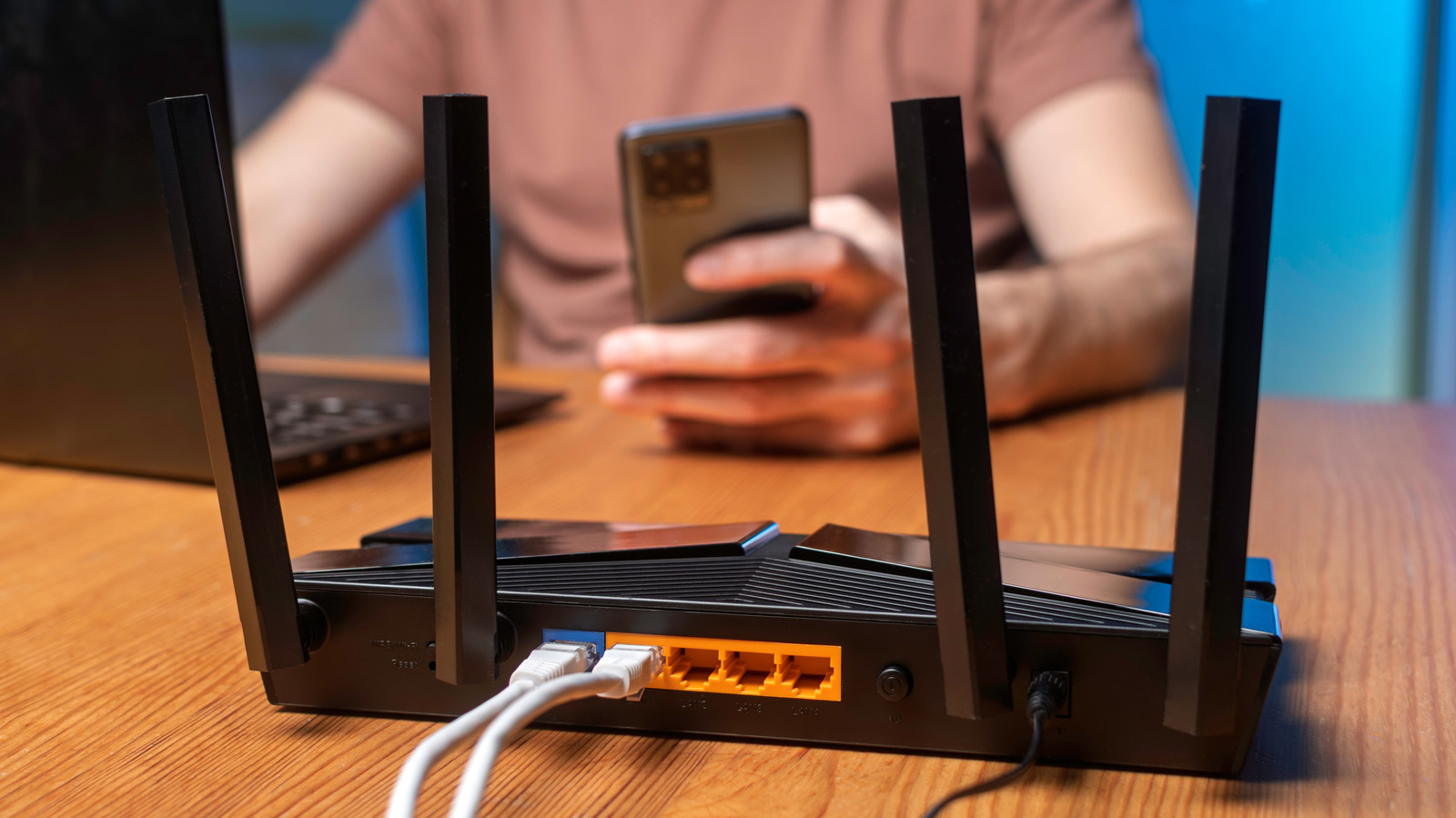
With households now brimming with smartphones, tablets, laptops, smart TVs and a growing roster of Internet‑of‑Things devices, many families are reporting that their home internet feels sluggish or drops out entirely. The rise in devices using the network at the same time can tax ordinary consumer routers, resulting in buffered video, laggy gaming and broken video calls—even when the broadband plan remains unchanged.
The root cause lies in the way most home routers hand out bandwidth: on a first‑come, first‑served basis. When dozens of gadgets vie for the same wireless channel, especially on the congested 2.4 GHz band, data packets collide and retransmissions increase, adding latency. Modern streaming platforms, cloud backups and firmware updates all pull sizable data streams, and the router’s processor often cannot juggle them efficiently, creating a bottleneck at the access point.
Specialists recommend a handful of inexpensive adjustments to relieve the pressure. Placing the router in a central, elevated location cuts down physical barriers and spreads the signal more evenly. Switching to the 5 GHz band, when possible, opens up additional channels and reduces interference from nearby networks. Turning on the built‑in Quality of Service (QoS) feature lets users give priority to latency‑critical traffic like video calls or gaming over background activities such as software updates. Scheduling large downloads for off‑peak times and turning off automatic updates on devices that aren’t actively used can also free up bandwidth.
For equipment that needs a steady high‑speed link, a wired Ethernet connection remains the most dependable solution and adds no monthly cost. Simple steps such as unplugging or powering down idle smart devices, updating the router’s firmware to the latest release, and periodically rebooting the router can restore performance without buying new hardware. In many scenarios, these measures eliminate connectivity complaints without the need for an expensive router upgrade.
Grasping how device density impacts home networks is becoming ever more critical as remote work, online schooling and streaming turn into daily norms. While internet service providers may eventually roll out faster packages, a large number of households can enjoy smoother online experiences by fine‑tuning their current setup. As the tally of connected gadgets climbs, knowing these practical tactics will enable users to keep their connections reliable without extra expense.



Comments (0)
Be the first to comment.
Join the discussion