Easily Transfer Google Authenticator to a New Device
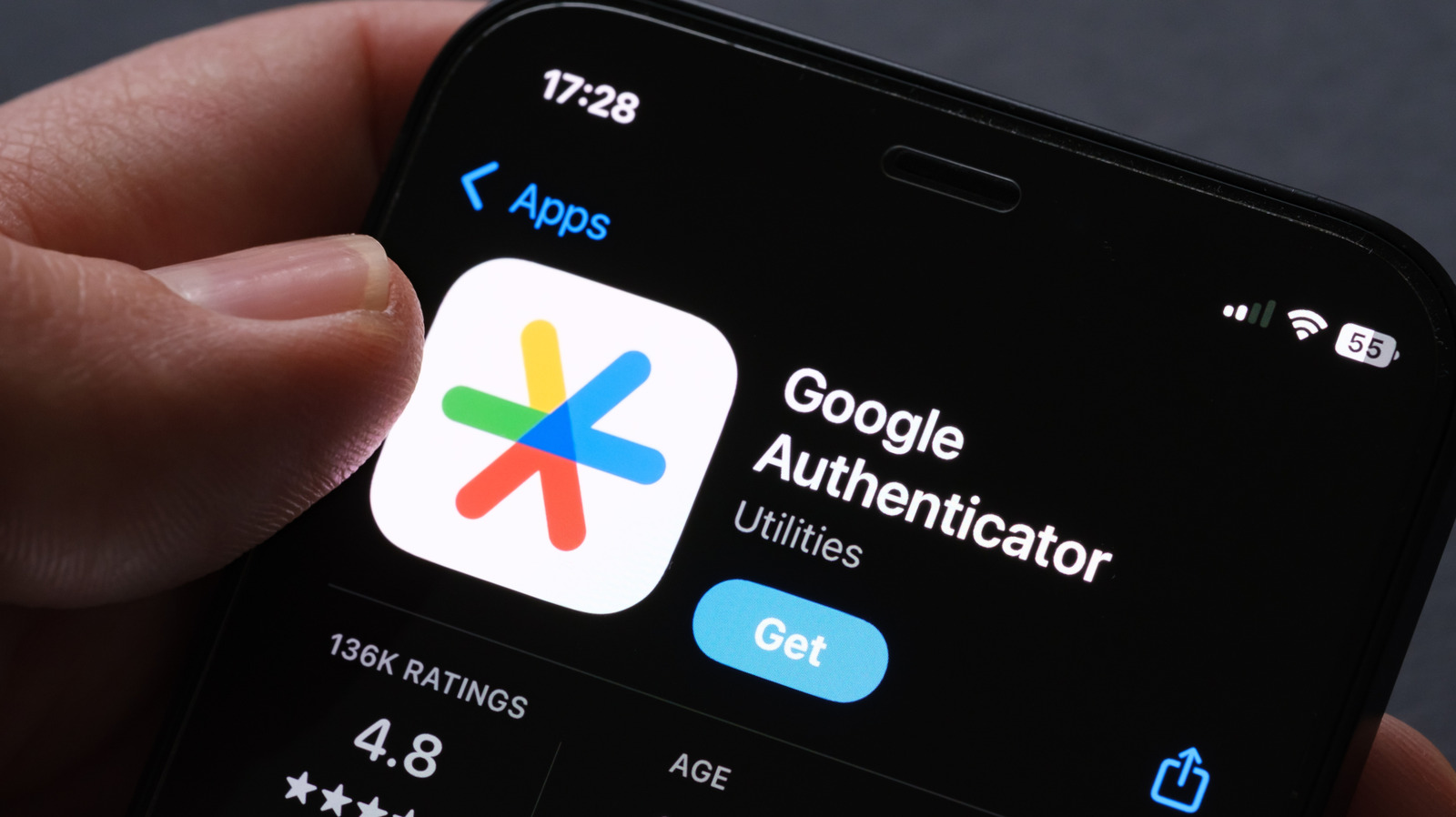
When users upgrade their smartphones, those who depend on Google Authenticator for two‑factor protection often face a scramble, because the time‑based codes do not move automatically to the new device. Recent instructions from tech publications outline a simple method that lets users shift their authentication tokens without forfeiting access to essential online services.
Google Authenticator produces six‑digit one‑time passwords that act as a second verification step alongside regular passwords, a security layer now considered a standard shield against credential theft. Since the codes are bound to the device on which the app resides, switching to a fresh phone can temporarily bar users from platforms ranging from email to banking.
The initial advice is to keep the old phone functional long enough to export the current tokens. Inside the app’s settings, users can choose the “Transfer accounts” option, which generates a QR code containing all stored keys. Scanning that code with the Authenticator app installed on the new handset copies the entire account set in one go.
If the previous handset is still usable but the built‑in transfer feature is missing, the fallback is to manually note the secret keys or backup codes each service provides before deactivating the old token. Most providers offer printable recovery codes that can reset two‑factor authentication, allowing the user to register the new phone as the primary authenticator.
When the original device cannot be recovered—such as after loss or damage—those recovery codes become indispensable. Users must sign into each impacted account, head to the security settings, and follow the provider’s steps to revoke the old authenticator and enroll a new one. Although more labor‑intensive, this approach restores access without weakening security.
Specialists recommend storing recovery codes securely offline and updating the Authenticator app periodically to take advantage of newer transfer utilities. As two‑factor authentication continues to spread across services, mastering the migration process averts the hassle of locked accounts and bolsters overall personal digital security.



Comments (0)
Be the first to comment.
Join the discussion