Deciding Between a 256 GB SSD and a 1 TB HDD Comes Down to Your Computing Needs
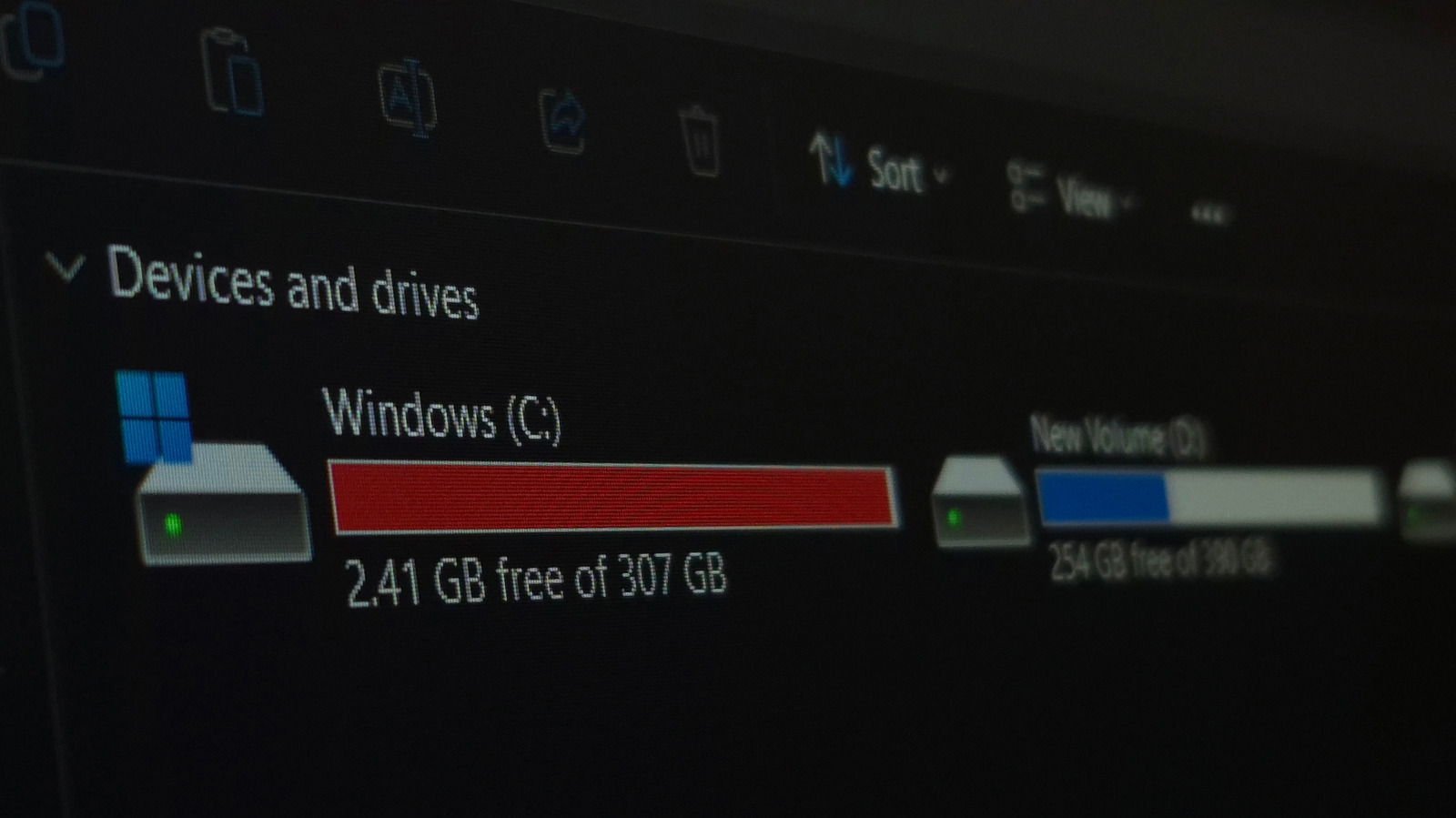
When choosing between installing a modest‑capacity solid‑state drive or a larger conventional hard disk in a computer, the decision depends less on sheer size and more on the intended usage.
Because they have no moving components, solid‑state drives (SSDs) provide vastly quicker data access. Booting, launching programs, and moving files can be multiple times faster than on a rotating hard‑disk drive (HDD). For people who prioritize responsiveness—programmers, graphic designers, or anyone handling sizable project files—these speed advantages typically compensate for the reduced storage capacity.
Conversely, hard‑disk drives continue to lead the market in raw capacity while offering a lower cost per gigabyte. A 1 TB HDD can hold an extensive collection of videos, music, and documents for only a fraction of the price of an SSD that provides just a quarter of that space. This price‑to‑capacity ratio appeals to media servers, archival backups, or cost‑sensitive builds where sheer storage size is the main priority.
Common usage scenarios highlight the compromise. Placing the operating system and primary applications on a 256 GB SSD provides a responsive daily experience, while moving large media collections to an external or secondary 1 TB HDD saves space without a discernible slowdown. Gamers often choose an SSD for the quicker load times of contemporary titles, yet depend on an HDD to house extensive game libraries that surpass the SSD’s limits.
Hybrid setups are now widespread, coupling a smaller SSD with a larger HDD within the same machine. Current motherboards and operating systems include caching features that shift frequently used data to the SSD, providing speed where it counts while storing seldom‑accessed files on the slower, high‑capacity drive.
Pricing trends are steadily closing the difference. With NAND flash prices dropping, 500 GB and 1 TB SSDs are nearing the expense of a 1 TB HDD, though the HDD still retains an edge in pure storage‑per‑dollar. Upcoming technologies like NVMe drives forecast even greater throughput, sharpening the performance‑versus‑capacity debate.
In the end, the choice ought to reflect the user’s priorities: when fast boot‑up and application responsiveness are essential, a 256 GB SSD makes sense; when large media libraries or backup requirements dominate, a 1 TB HDD remains the practical option. Numerous purchasers achieve an optimal balance by using both, securing speed for everyday tasks and plentiful space for long‑term storage.



Comments (0)
Be the first to comment.
Join the discussion