Apple TV Remote Packs Overlooked Shortcuts to Speed Up Navigation
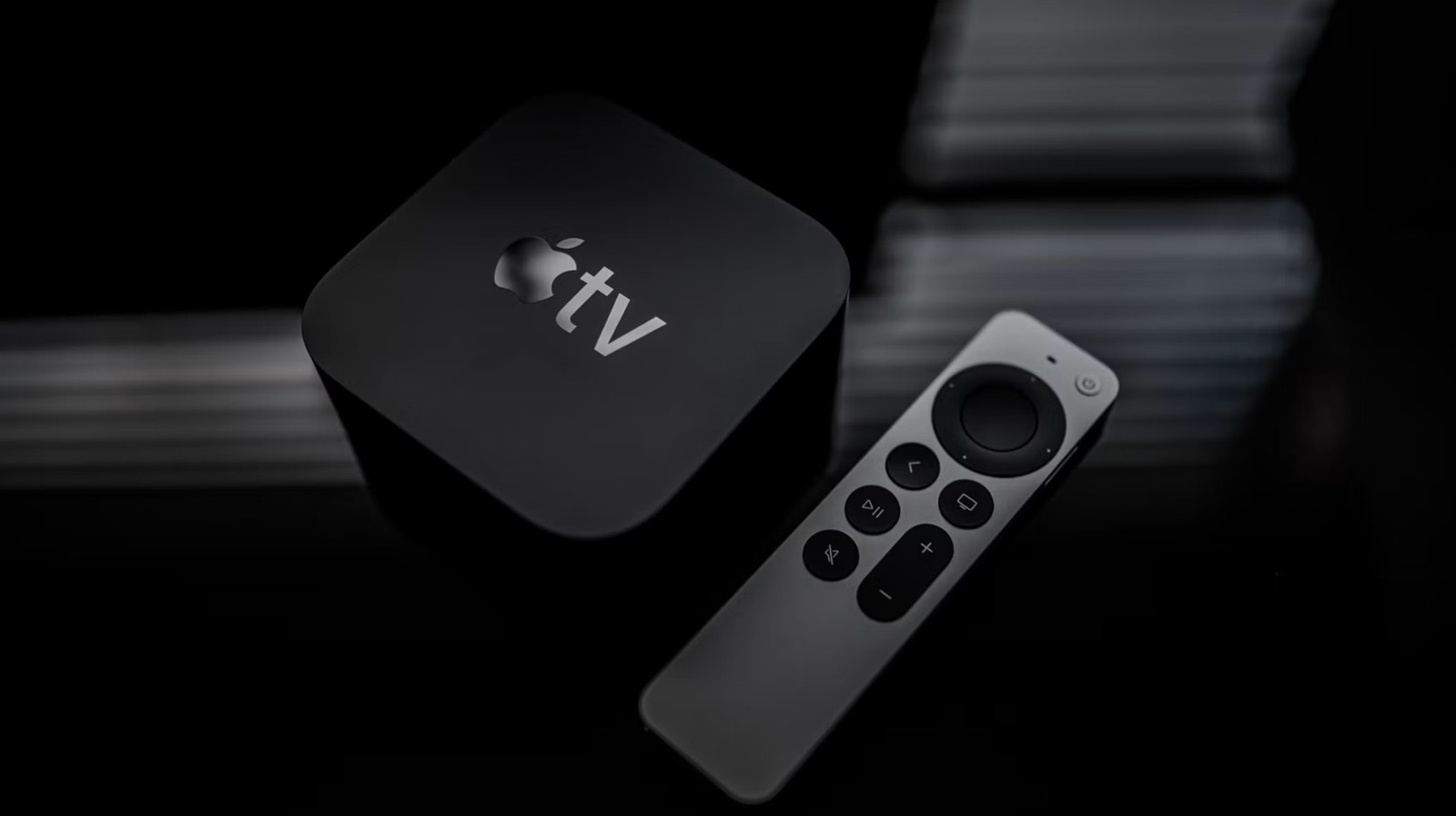
Apple TV owners might be overlooking a collection of native shortcuts that can dramatically speed up how they move through the system, a recent examination of the remote’s capabilities shows. Although the remote is commonly regarded as a straightforward point‑and‑click device, a few specific gesture combos and button presses can skip several menu levels, benefiting both casual watchers and power users.
The present Siri Remote, which succeeded the older aluminum version, features a touch‑sensitive strip, a distinct Menu button, a Play/Pause button, plus extra controls for volume and Siri. Embedded in this layout are gestures like double‑tapping the Play/Pause button to jump forward, or holding the Menu button to jump straight to the Home screen from deep inside an app. These shortcuts work without traversing the on‑screen menus and are supported by most Apple TV applications, from the native TV app to third‑party streaming platforms.
Grasping the shortcuts is simple: a single quick tap triggers the usual action, while a double‑tap or a press‑and‑hold activates the alternate function. For example, tapping the Menu button twice in rapid succession brings up the prior screen, whereas a longer press lands directly on the top‑level Home view. Likewise, a swift double‑tap of the Play/Pause button fast‑forwards the video by ten seconds, mirroring a behavior common to many iOS media players. These gestures have persisted through tvOS updates, staying dependable as the operating system evolves.
Even with their usefulness, many users never encounter these shortcuts because Apple’s official guides stress basic navigation rather than advanced gestures. The low‑key promotion means people often discover the hidden commands through trial and error or third‑party tutorials. This gap can be especially restrictive for users who need efficient controls, such as those with mobility impairments or households where several people share a single remote.
Employing the shortcuts lets viewers cut down the number of button presses required to change apps, resume playback, or tweak settings, resulting in a smoother overall experience. While the time saved per action may appear modest, it adds up over long viewing periods, especially for families that frequently hop between different streaming services.
Analysts argue that Apple would do well to showcase these features more prominently in its manuals and during the remote’s initial setup. As tvOS continues to mature, new shortcut combos could appear, further broadening the remote’s capabilities. In the meantime, anyone willing to experiment with the existing gestures can instantly benefit from a more responsive and accessible Apple TV setup.



Comments (0)
Be the first to comment.
Join the discussion